 StrollPoint™
Destination experience platform
Give your guests an interactive resort map they can step inside.
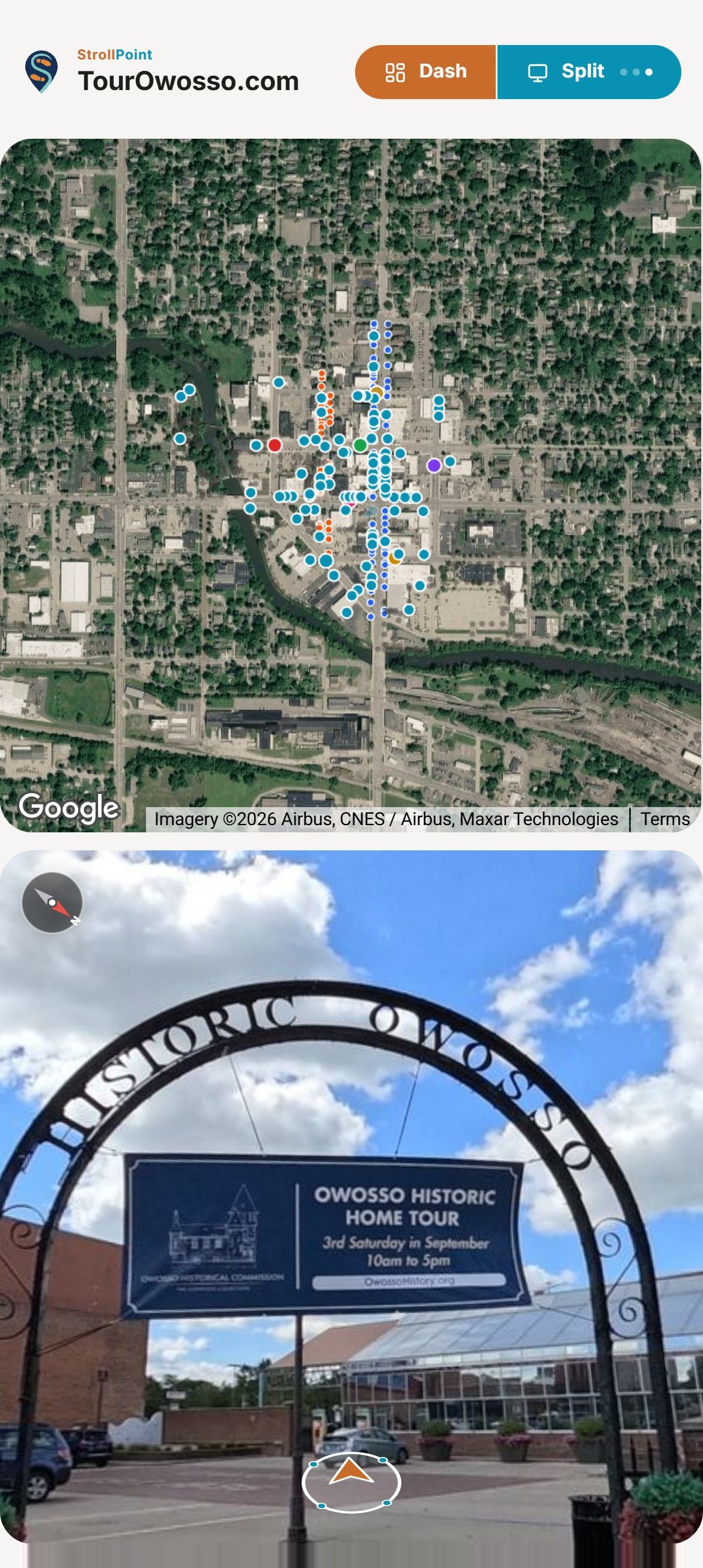
Guests can explore the entire property before they even arrive, then walk straight to every door and accessible entrance once they are on your grounds. StrollPoint is engineered for sprawling resorts, campgrounds, parks, and event and wedding venues.
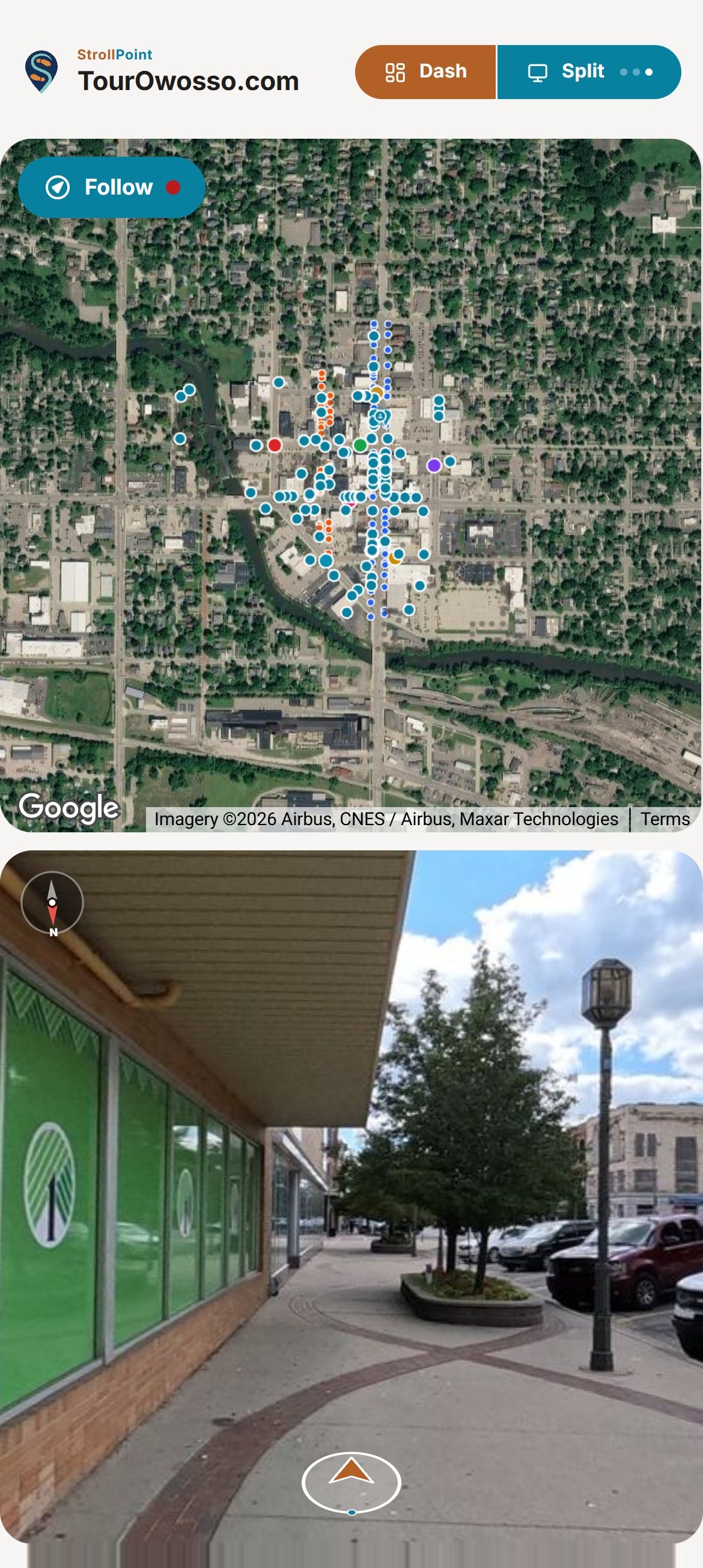
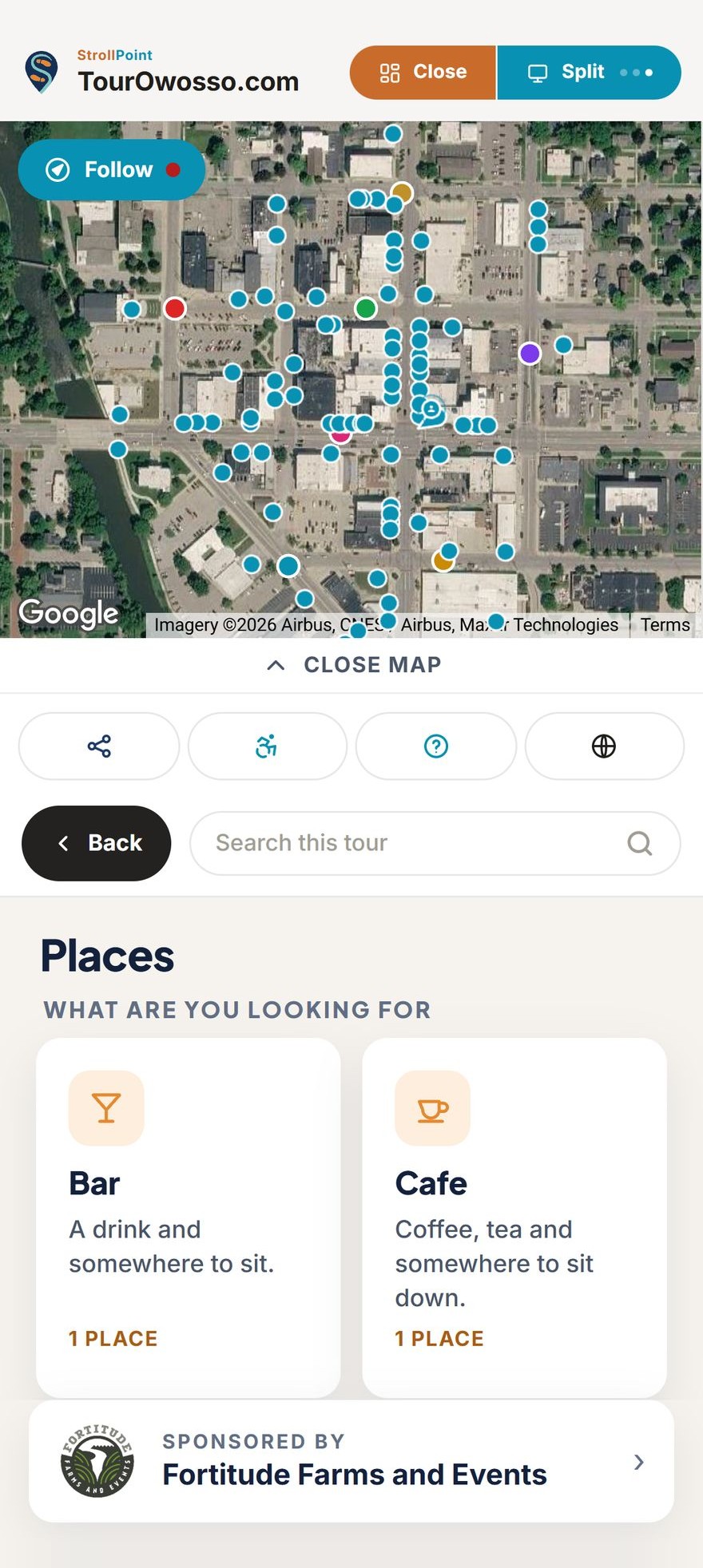
Your whole property in 360
Capture the lodge, the lawns and every path in 360 degrees.
Walk your grounds with a 360 camera, and your resort, campground or venue becomes a place guests can explore before they ever pull in.
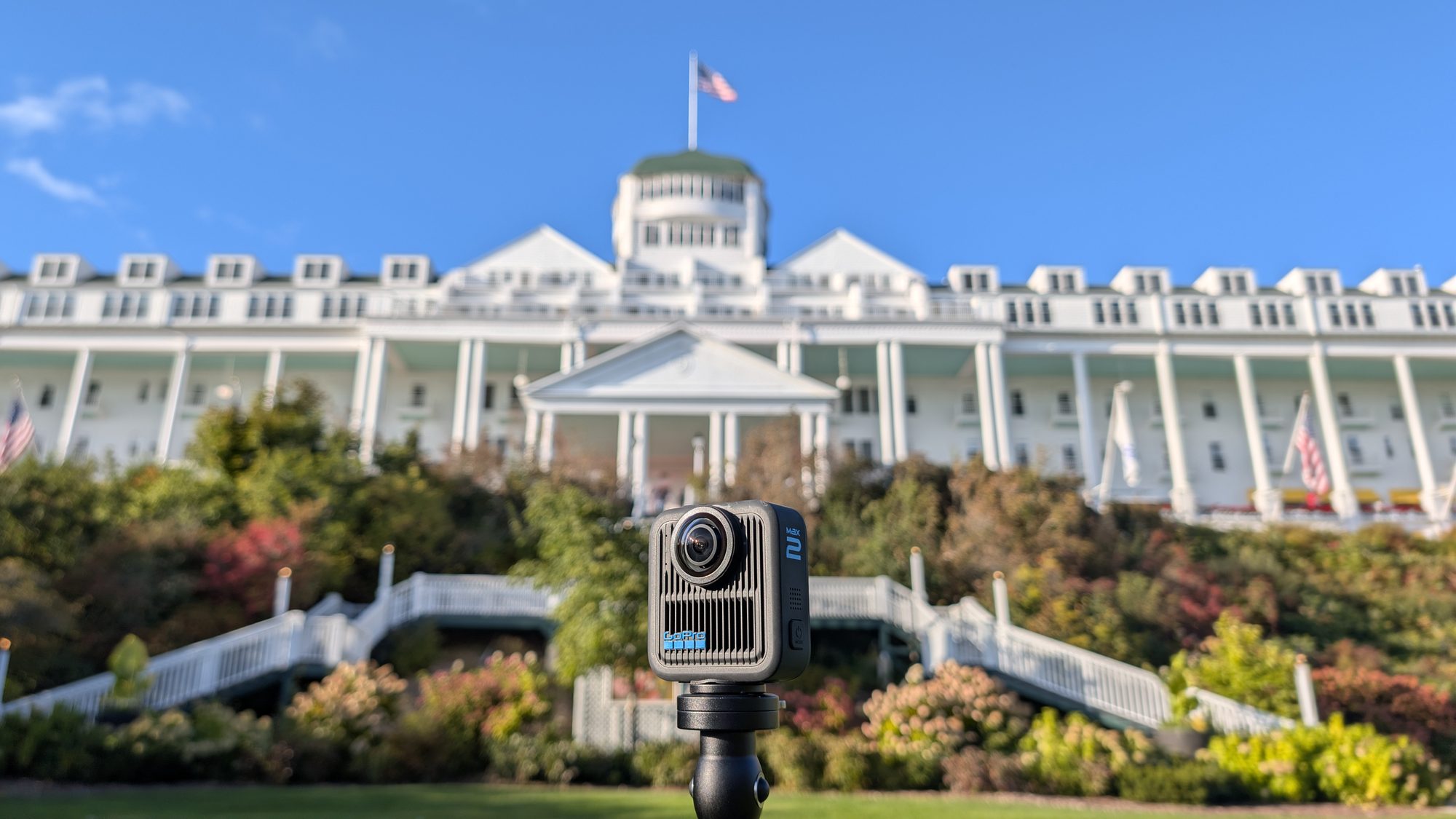
Bring your own camera
Shoot the whole property with the 360 camera you already own.
Any standard 360 camera works, with no StrollPoint camera to buy and nothing to rent. Someone on your team can walk the grounds with it, or StrollPoint Direct can shoot the property, build the tour and keep it current for you.
- Photos that place themselves Shoot with a 360 camera that records its own location, and every photo lands on your map at the spot it was taken. Shot order becomes walking order, so even a big campground lays itself out.
- Older photos still count Any standard 360 photo imports as a real point, including old shoots and pictures from a borrowed camera. A photo with no location waits in a list until you place it on the map.
- A camera, a pole and a walk Put the camera on a pole, hold it at eye level and take a photo about every thirty feet. Even spacing is what makes stepping between photos feel like walking.
What guests see first
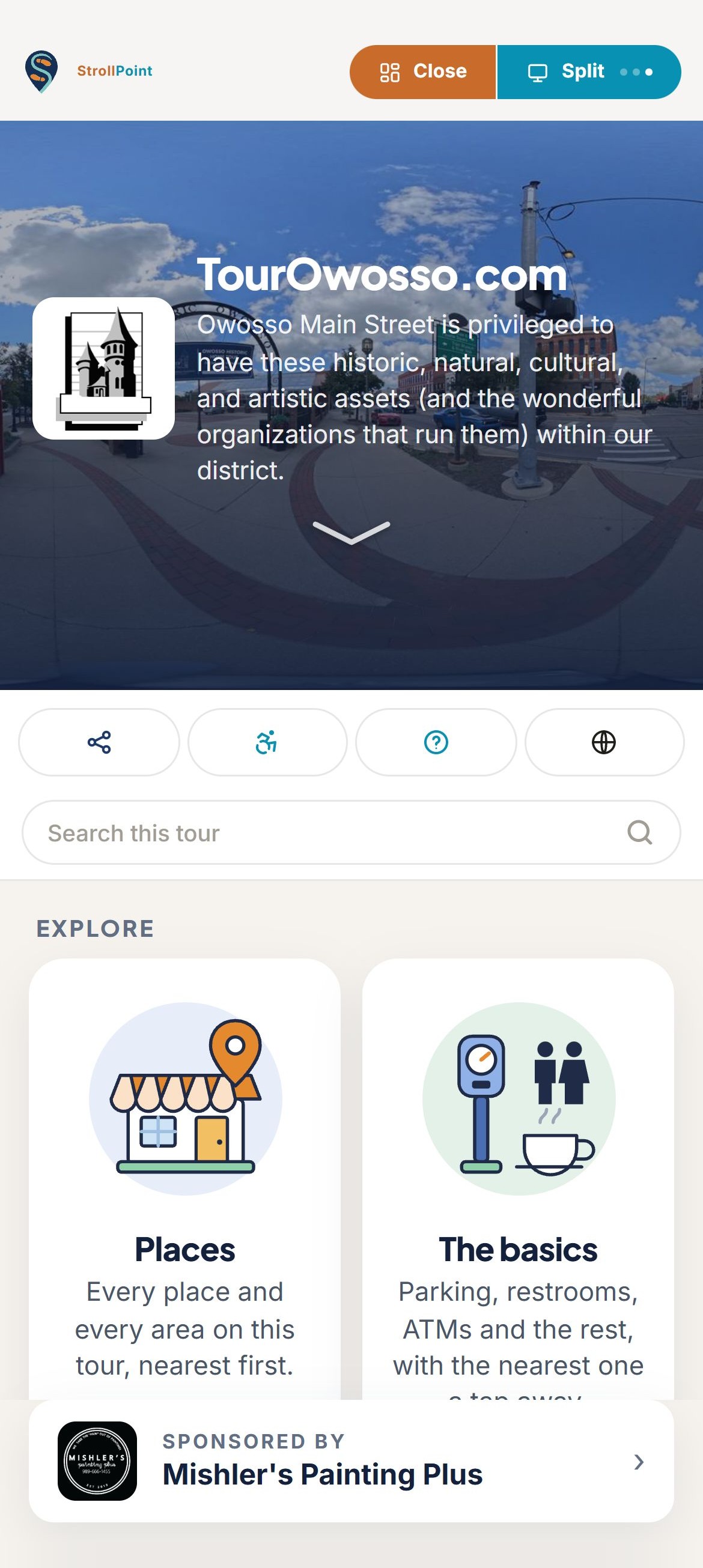
Guests find every campsite, cabin and pool from the first screen.
A family planning the weekend can look over the pool, the playground and the walk from their site to the bathhouse before they ever pack the car. Once they arrive, the same screen answers the questions your check-in office hears every day.
- Your own welcome Guests are greeted by your own photograph and your property's name.
- Easy for every guest Search, sharing, step-free routes and Español are each one tap away.
- Cards for the basics Simple picture cards point guests to the office, restrooms, parking and the laundry.
- A spot for local partners Thank a seasonal sponsor with a Sponsored by line that stays on screen.
From gate to campsite
Lead every guest from the front gate to their own site.
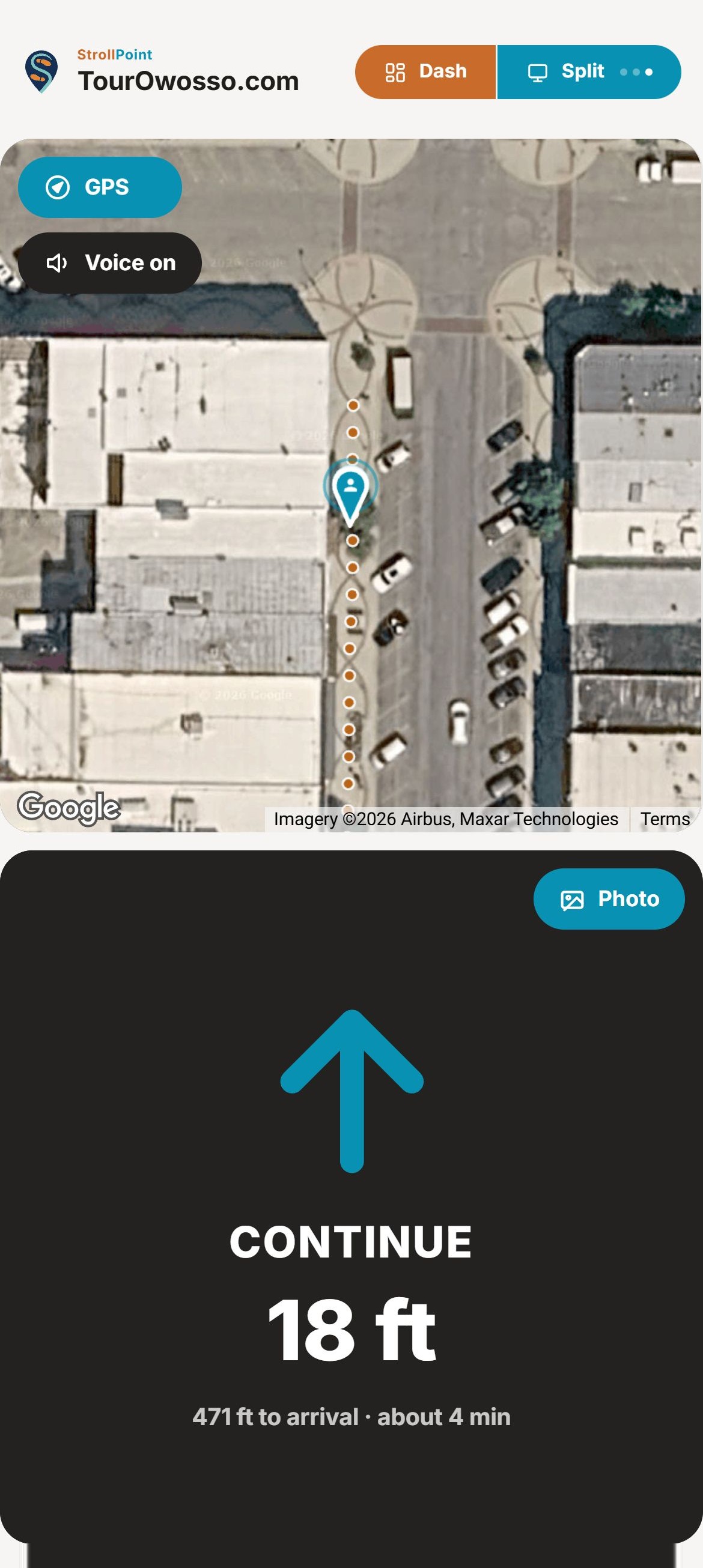
A guest arriving after dark picks their site, a cabin or the pavilion, and the tour walks them there one turn at a time, spoken aloud. Even after the office closes, every guest can still find the way.
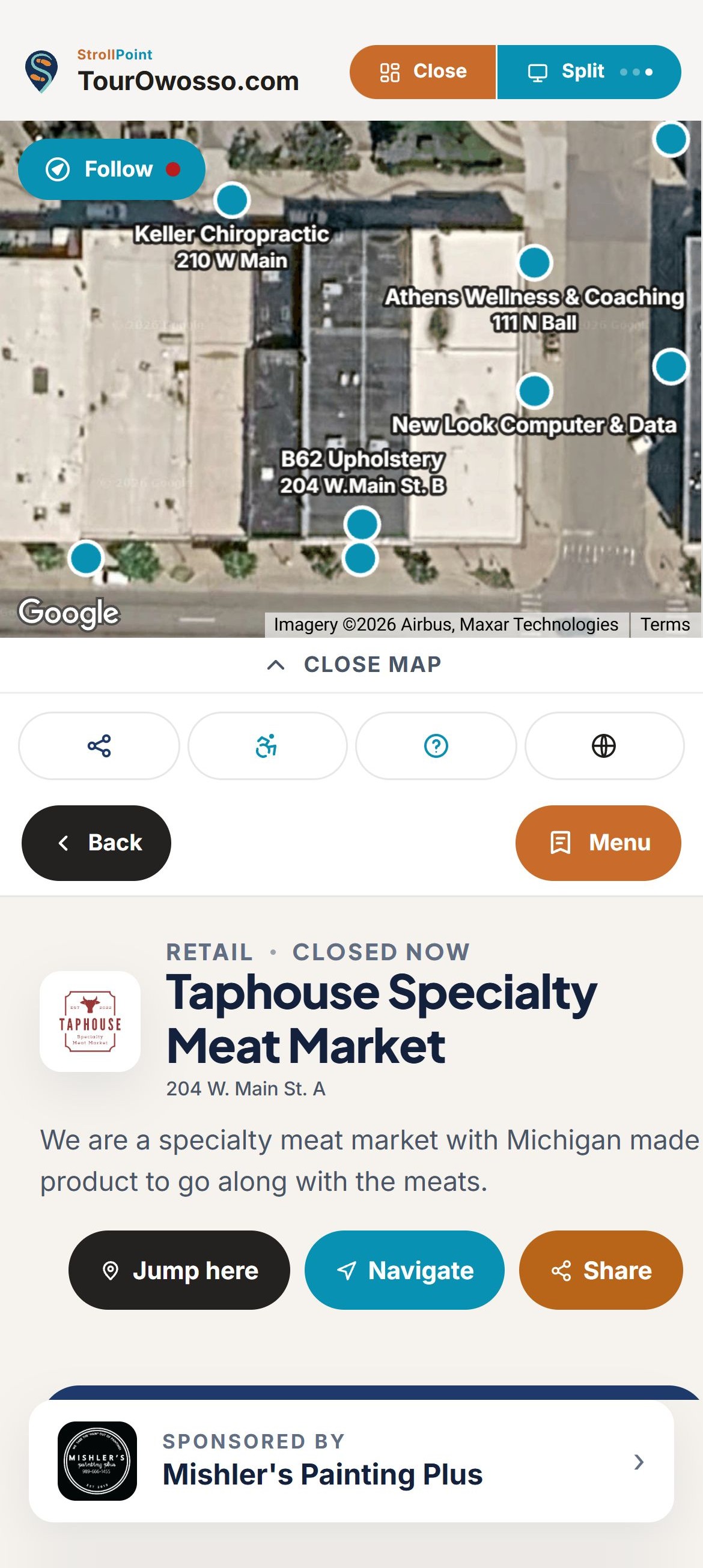
- A card for every place The snack bar's own card shows its hours, so a guest knows whether it is open before walking over.
- Turns spoken aloud A big arrow and a spoken cue for every turn, all the way to the site.
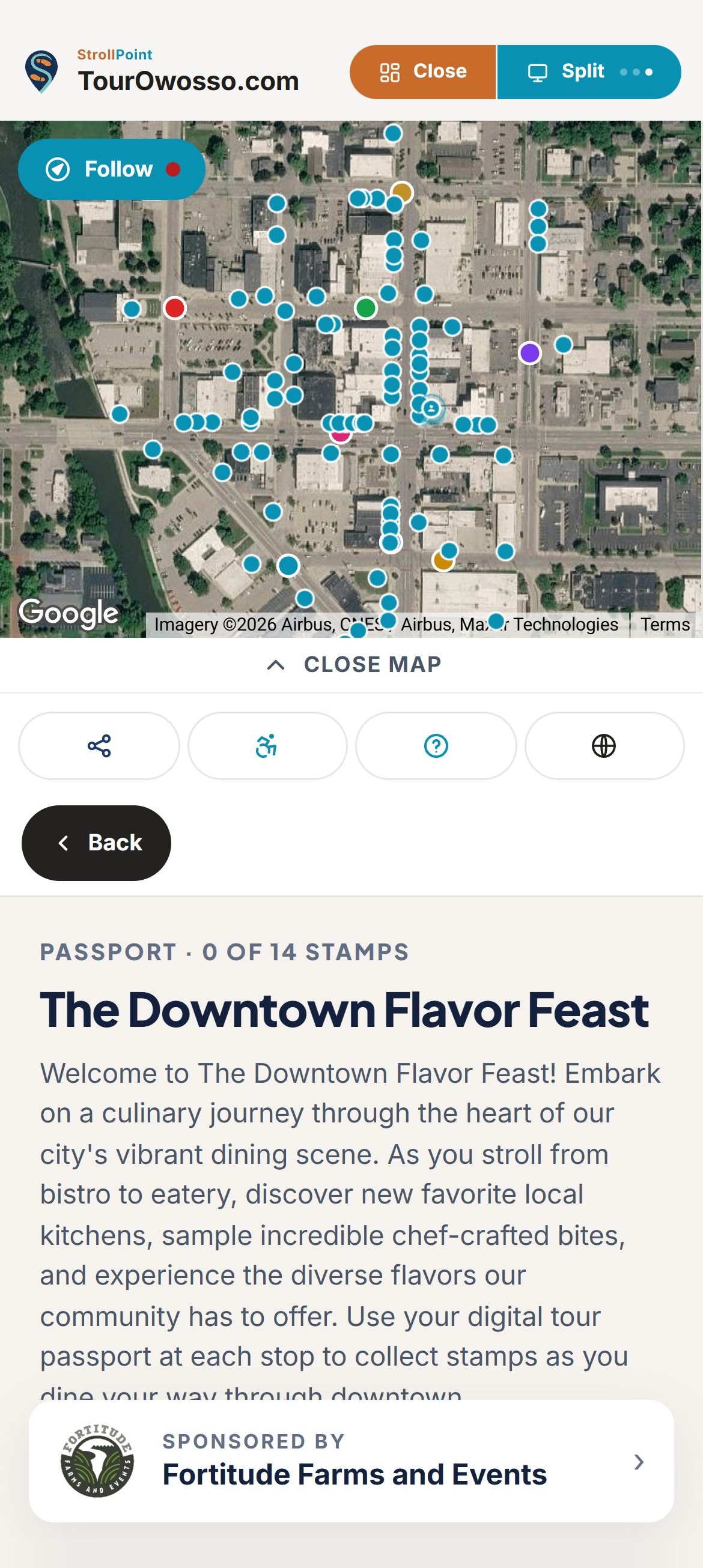
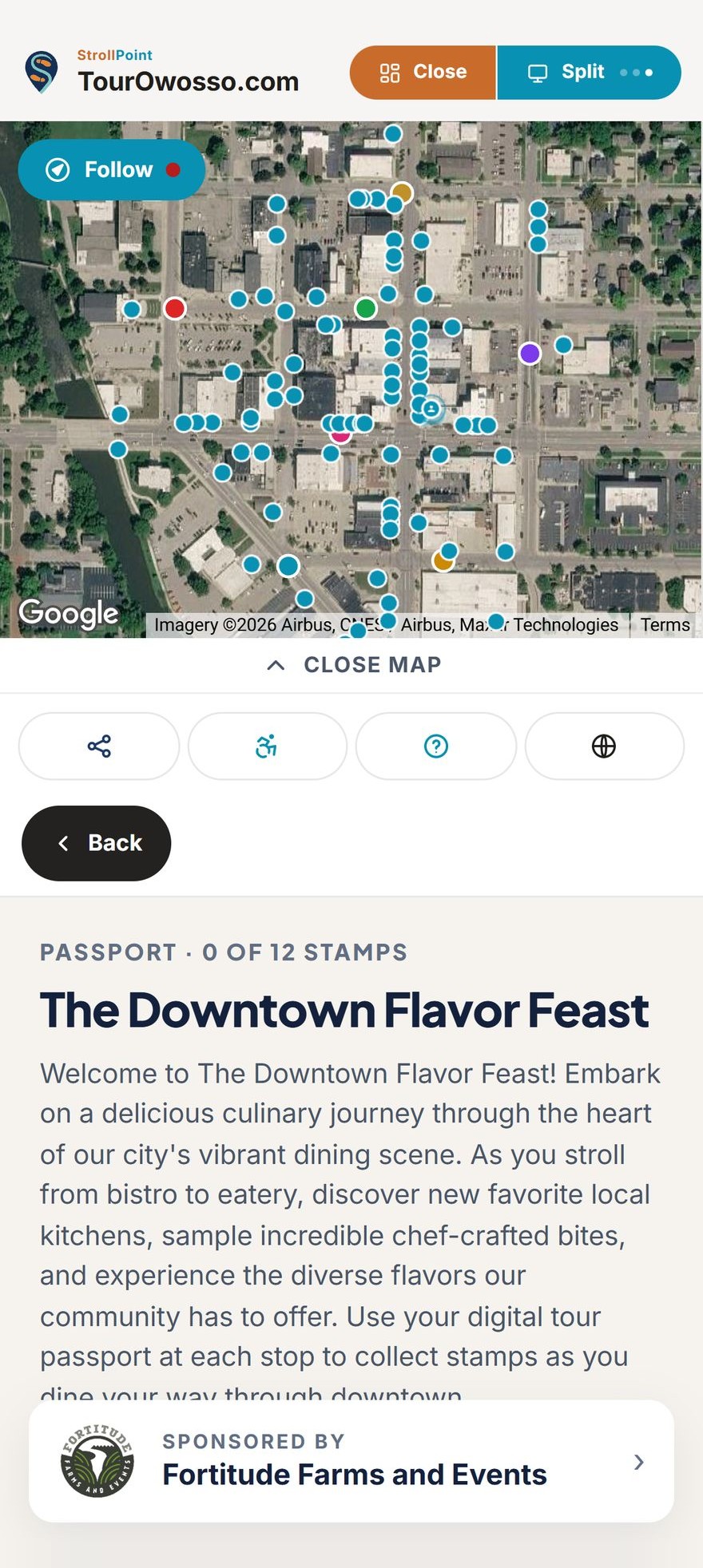
- Scavenger hunts Families collect stamps at the beach, the playground and the trailhead, with a prize at the end.
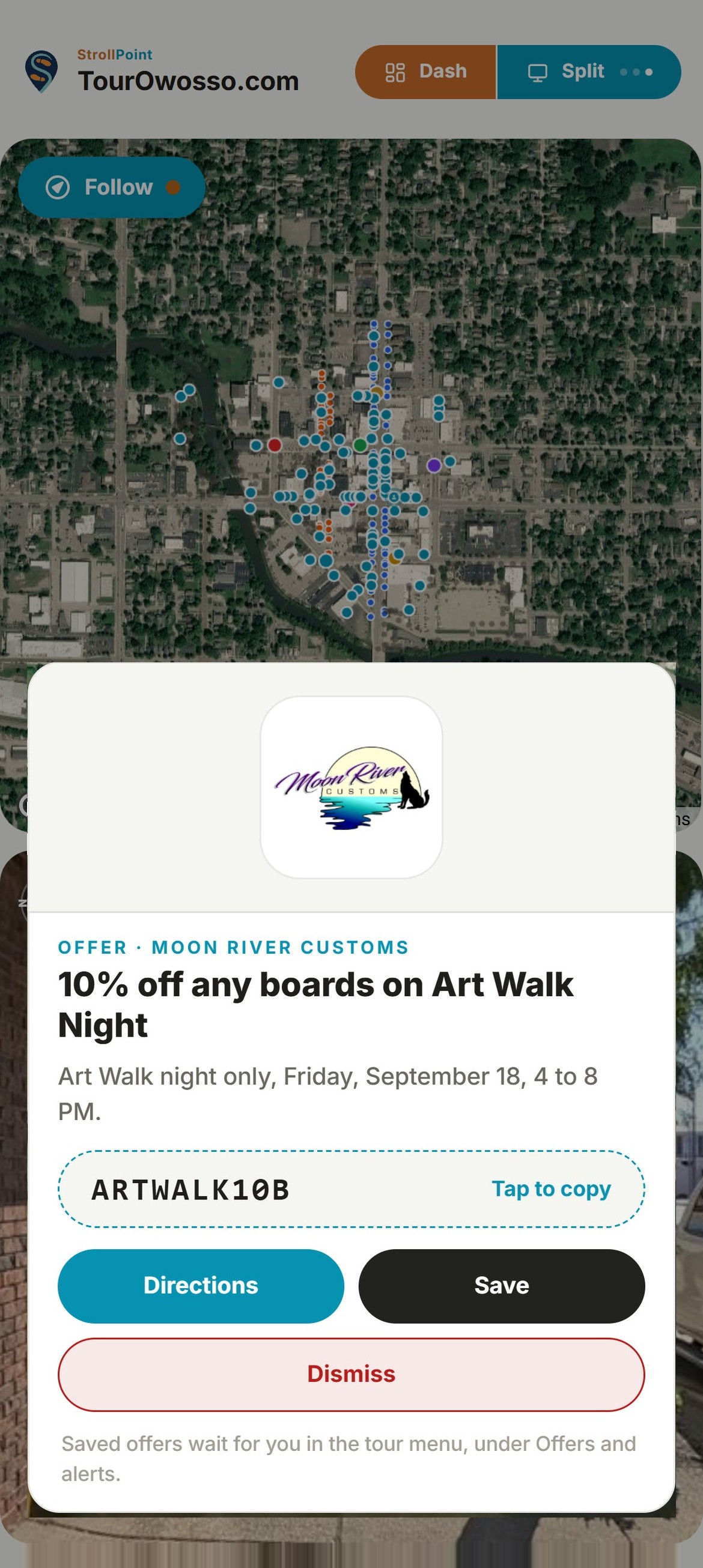
- Offers at the door Show the camp store special or a quiet hours reminder as a guest walks past the door.
Screens and paper
Meet every arrival at check-in with a map that matches the tour.
A guest at the check-in window gets the same property three ways: on the lobby screen, on the map handed across the counter, and on their own phone. Each one leads back to the same tour, so the directions always agree.
- A lobby screen Leave the tour running on a screen in the office or the clubhouse. It goes back to its opening view two minutes after the last guest walks off, and it carries a code so a guest can take the tour along on their own phone.
- Printed check-in maps Print a one-page map of the places you pick, numbered in the order you want guests to walk them, with a QR code printed right on the page. Hand it over at check-in, and one scan takes a guest from the paper into the tour.
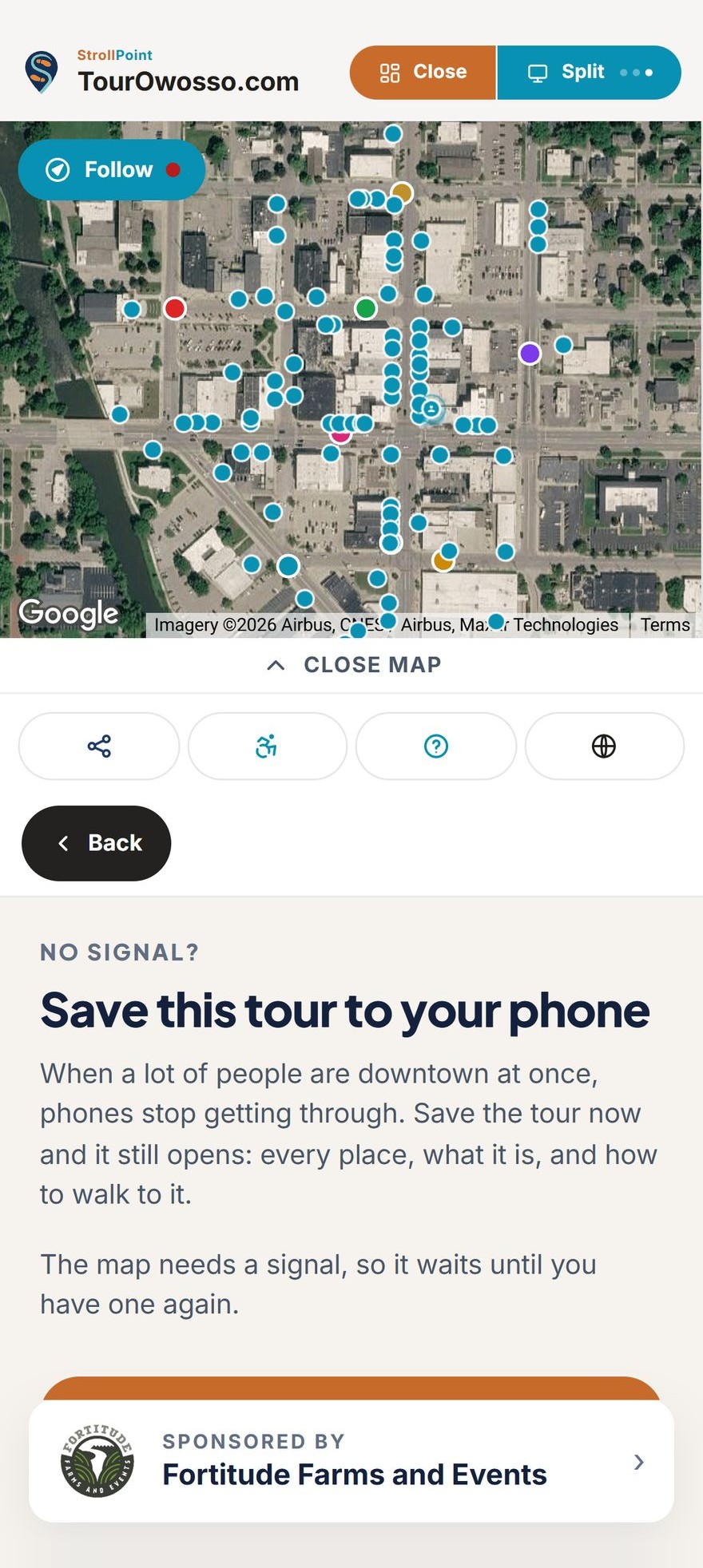
- When the signal drops For a festival weekend or a big wedding, let guests keep a saved copy of the tour, so every place and the way to it still opens in a dead spot. Passport stamps taken out of signal are kept and sent in the moment the phone is back online.
Step-free routes
Show every guest the step-free way around your grounds.
Mark the stairs down to the beach, the curb by the parking lot or the gravel stretch to the lakeside cabins just once. From then on, any guest who turns on step-free routing is walked around each one, and if a spot can only be reached by steps, the tour says so plainly.
- Mark each barrier once Switch on the stretch with steps, a curb, a heavy door or loose gravel, and both directions are covered at once.
- Switched on by the guest Step-free routing sits with the tour's own tools and appears the moment you mark your first barrier. A guest who needs it presses it once, and it stays on for the rest of the visit.
- Honest answers up front Every route plans around the barriers you marked, even when a guest is wandering on their own. If a cabin or the dock can only be reached by steps, the tour says so before anyone sets out.
Step-free routing, one press away in the tour's own row of tools.
What guests looked at
See where guests go on your busiest weekends.
Learn how guests use the property all season, and where the crowd gathers on a festival or wedding day. Nothing here identifies anybody, and the reports build themselves.
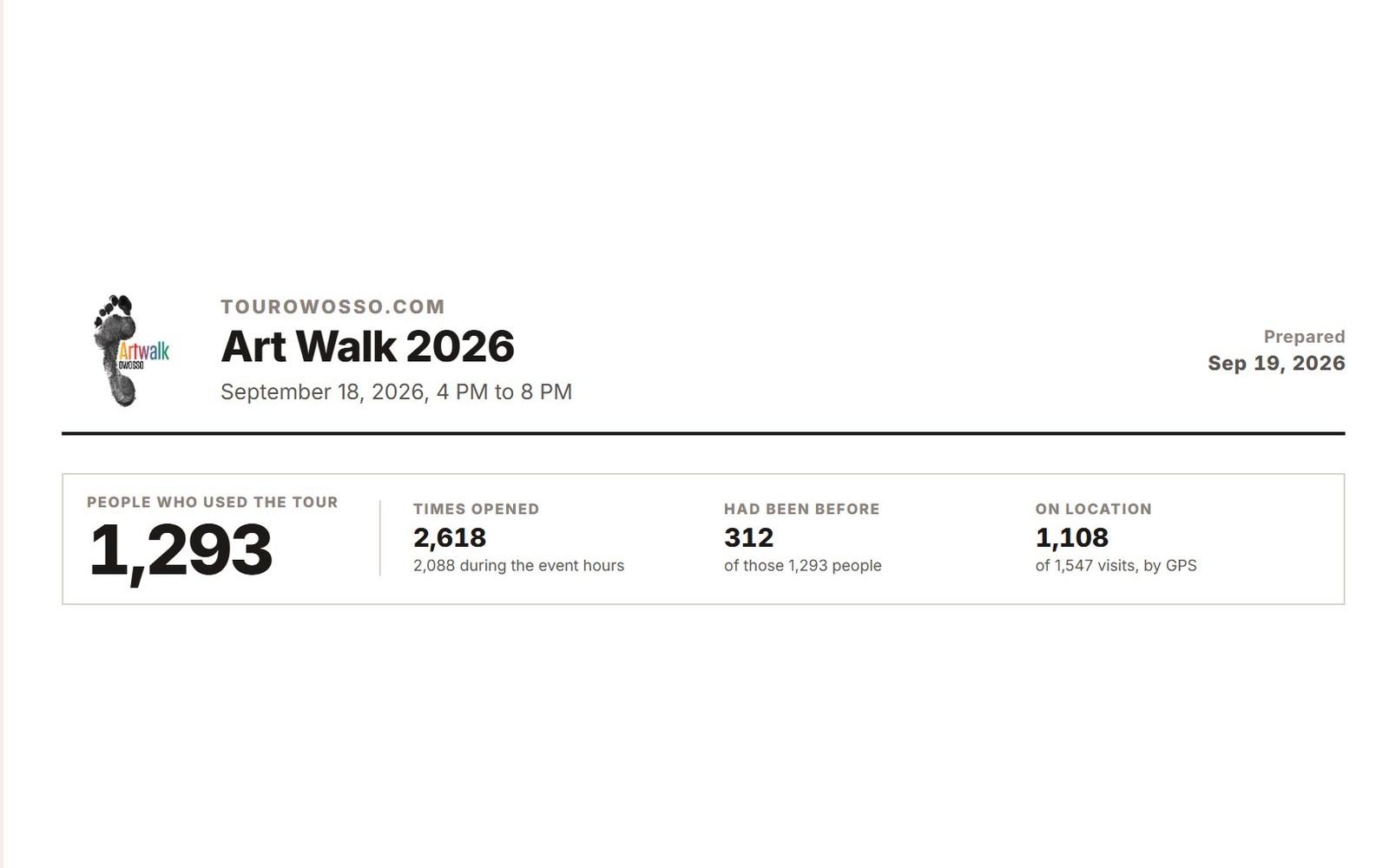
- Visits and guests Count the people on the tour, how many came back, and how long a typical visit lasts.
- Most-opened places See which cabins, sites and amenities guests open most, and which ones nobody opens.
- Here or from home Tell the guests planning from home apart from the ones already on your grounds.
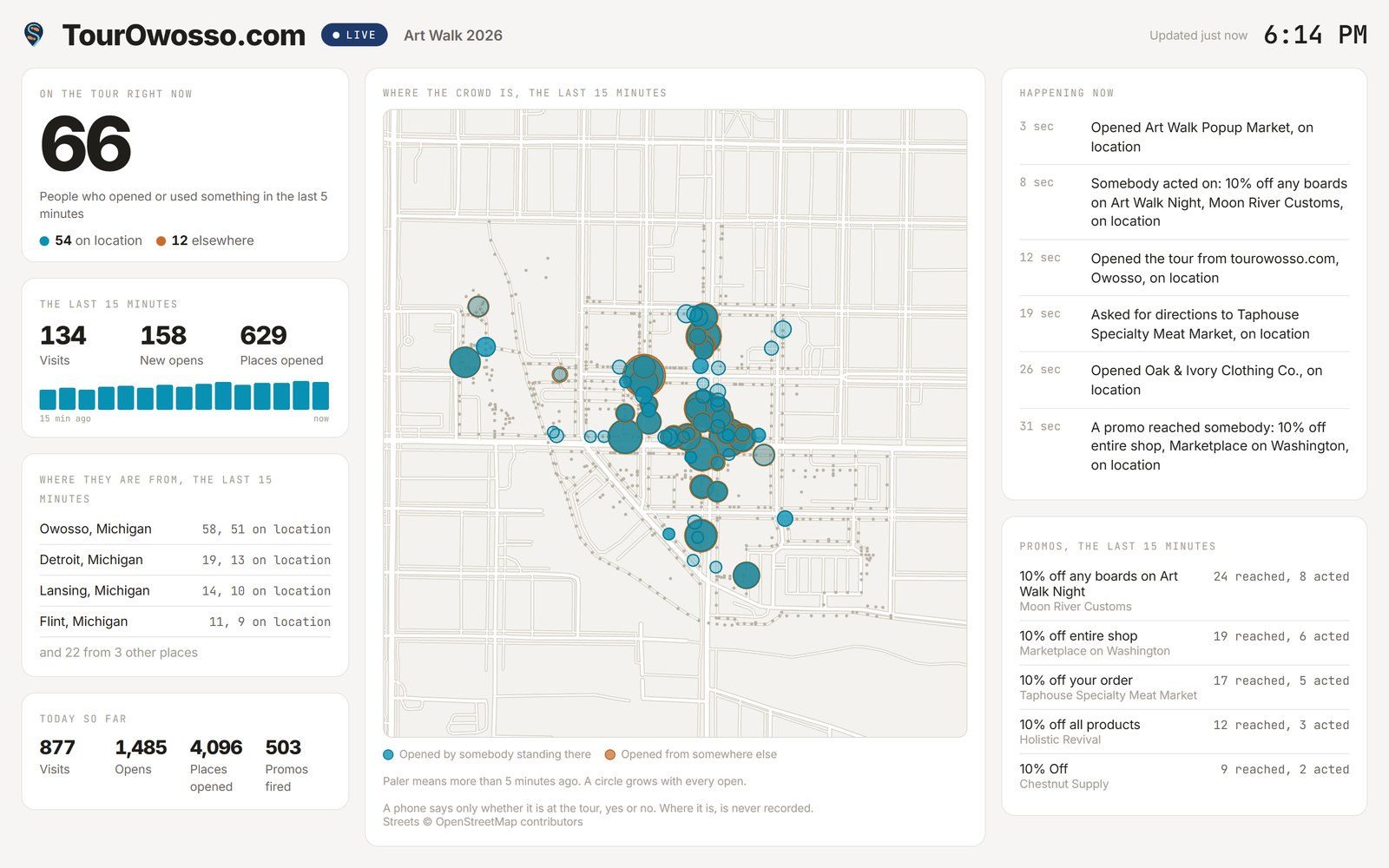
- A map of busy spots Bigger circles mark the places opened most, so the busy corners of the property stand out.
- A live event board Put a live board on a screen during a wedding or festival and see where the crowd is now.
- Morning-after reports The morning after an event, a summary lands in the inbox of whoever needs it, and the full report is ready to print or share with no sign-in.
Experience StrollPoint
Step inside a live destination.
Scan the code to experience the fully interactive digital guide for downtown Owosso directly on your mobile device.
See live demos