Seamless media integration
Capture your entire property in immersive 360 degrees.
A destination and community experience platform featuring interactive wayfinding for downtowns, campuses, resorts, venues, and parks.
Universal compatibility
Engineered for the hardware your team already trusts.
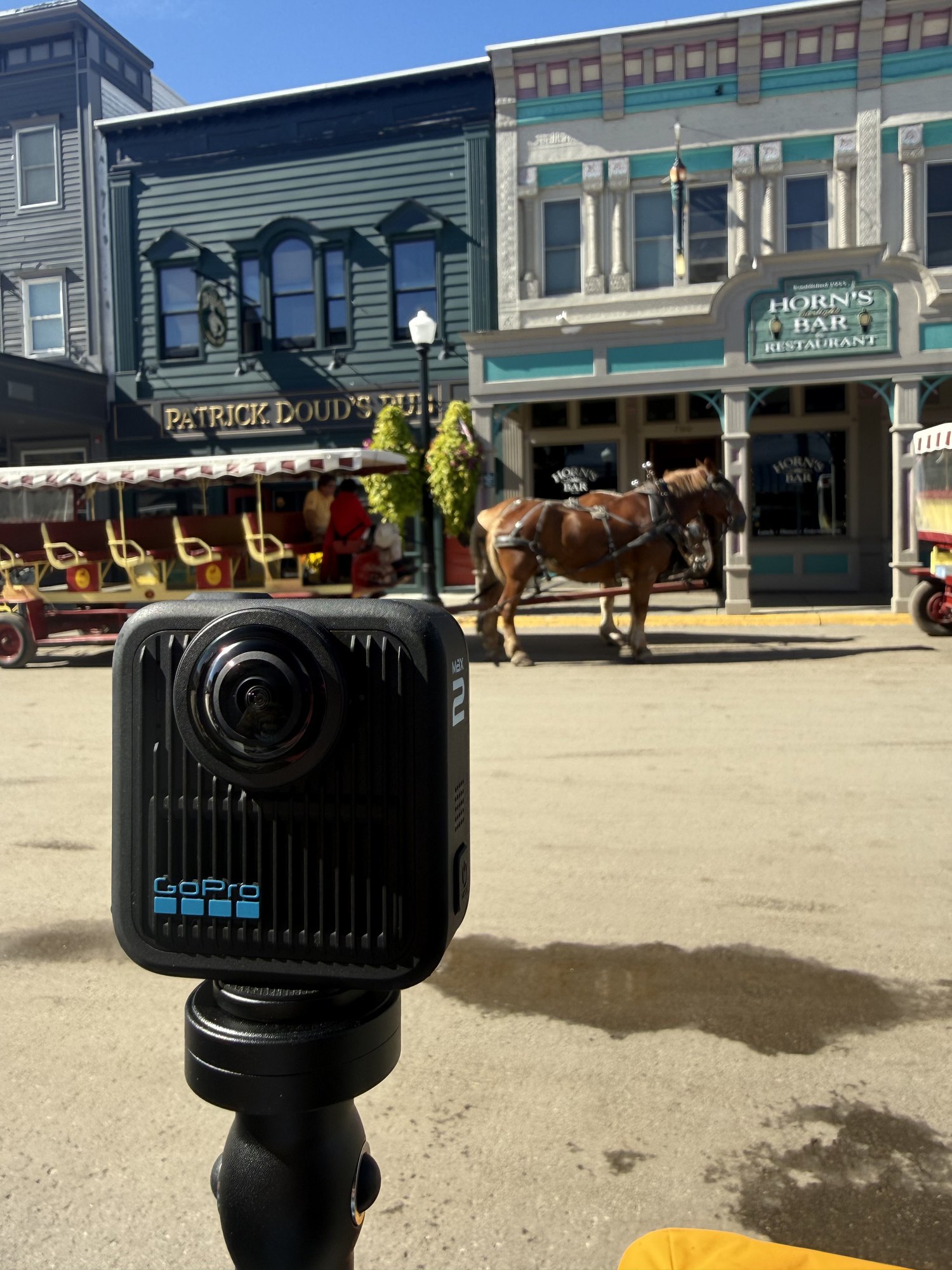
StrollPoint operates on an open-hardware model. Whether your team is deploying a Ricoh Theta X, a GoPro Max 2, or any other commercial 360° camera, the platform seamlessly processes your media without requiring expensive, proprietary equipment rentals.
- Native GPS synchronization Maximize capture efficiency using your preferred GPS-enabled 360° cameras. The platform automatically extracts location data to position your panoramic photography exactly where it belongs on the map.
- Universal 360° support Bring any standard 360° asset into the StrollPoint ecosystem. The dashboard easily processes unmapped photography, transforming raw images into fully functional, interactive waypoints.
- Complete hardware independence Avoid expensive proprietary equipment ecosystems. Our platform is engineered to process media from the commercial cameras your team already trusts and operates.
Virtual tour creation
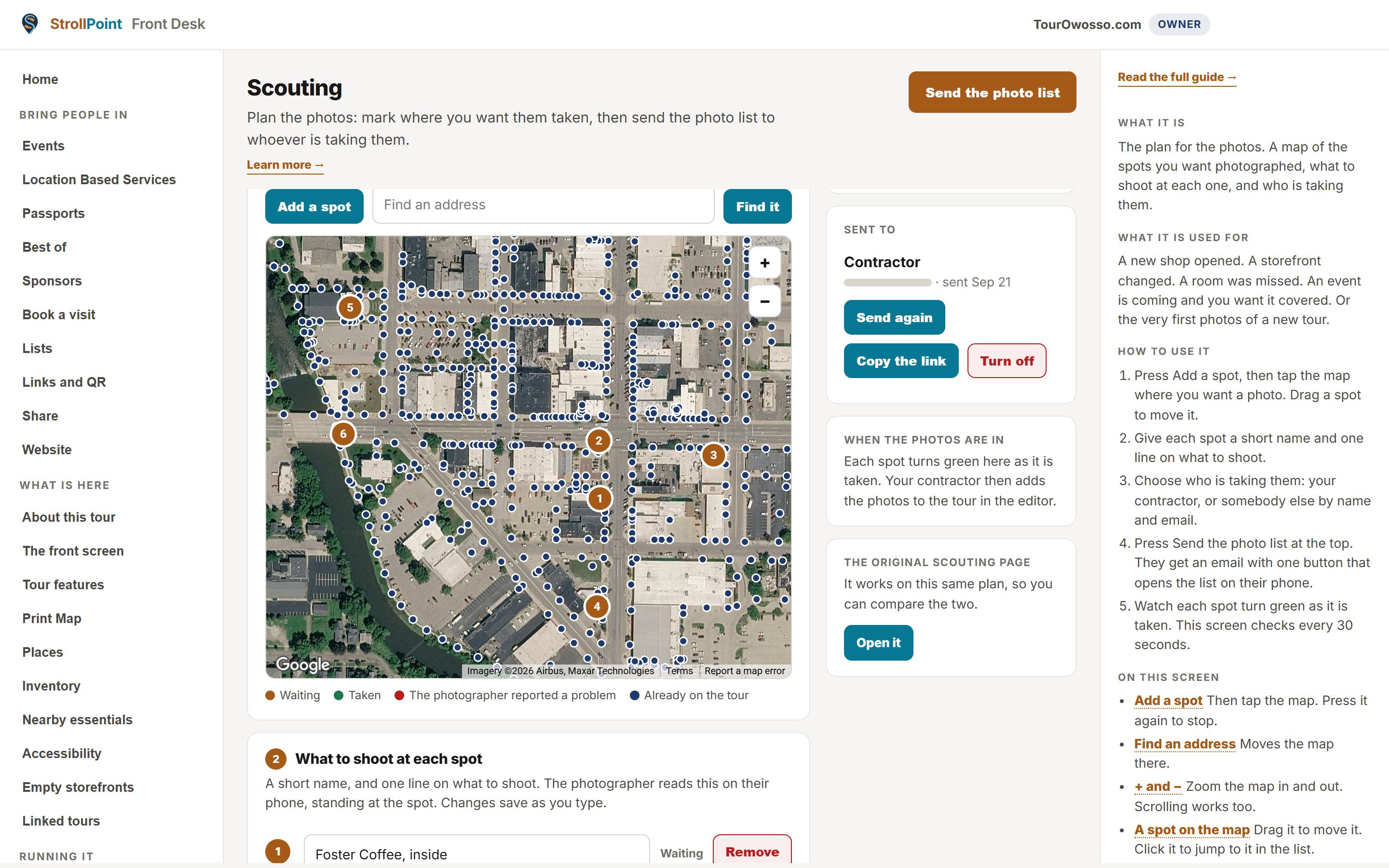
Map, dispatch, and track your property photography.
Build your virtual tour efficiently using a centralized scouting tool. Define required shot locations, guide the photographer step by step, and watch the visual assets populate directly into the management platform.
- Pinpoint shot locations Map exact coordinates for required photographs. Because the system utilizes your existing property map, highlighting a new venue or an updated space is perfectly precise and eliminates communication errors.
- Monitor live uploads Watch the dashboard update automatically as the photographer works. Captured locations register instantly, keeping the original scouting plan perfectly aligned with the final photography.
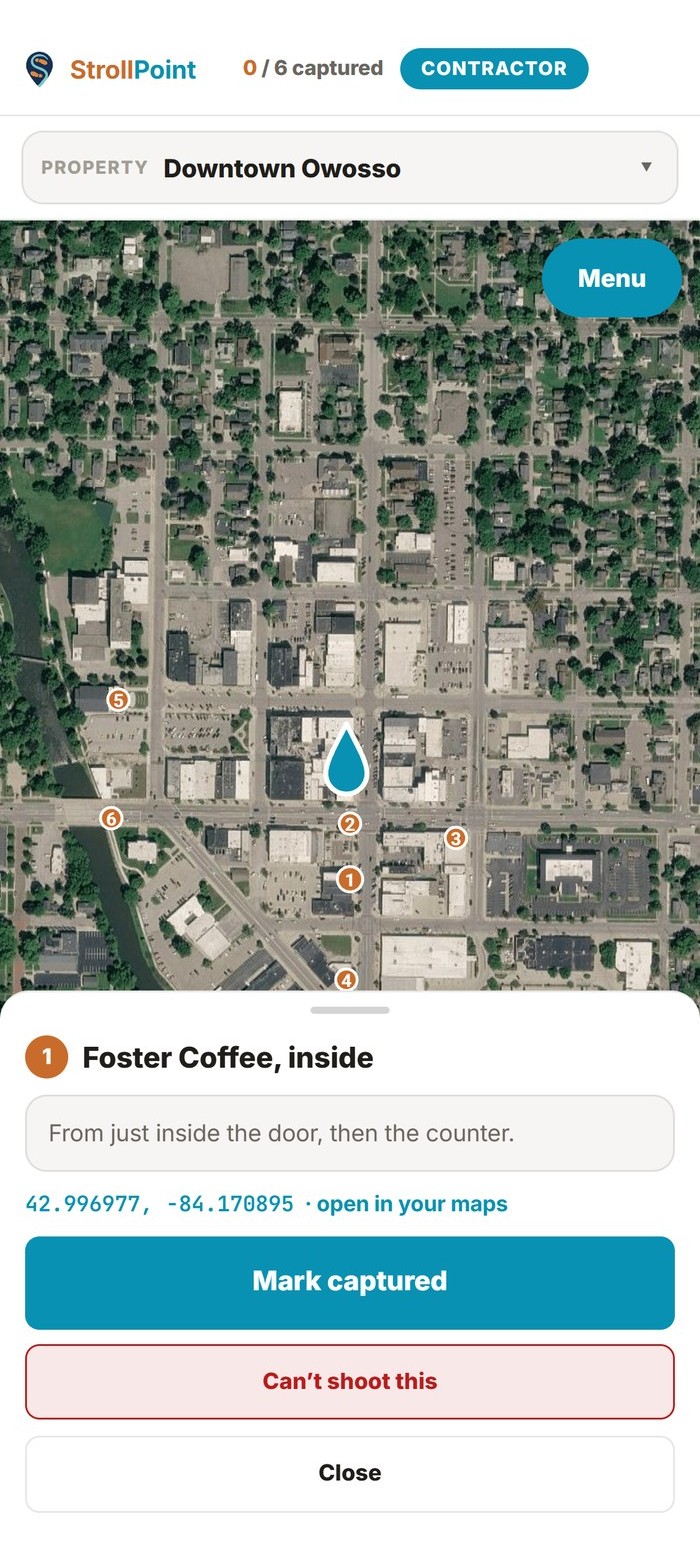
- Direct the photographer Dispatch a digital shot list directly to the photographer's smartphone. The dedicated mobile interface provides a clear routing plan, guiding the lens exactly to the required locations.
- Mobile routing tool The mobile routing tool delivers the exact shot list directly to the photographer's smartphone browser.
The tools
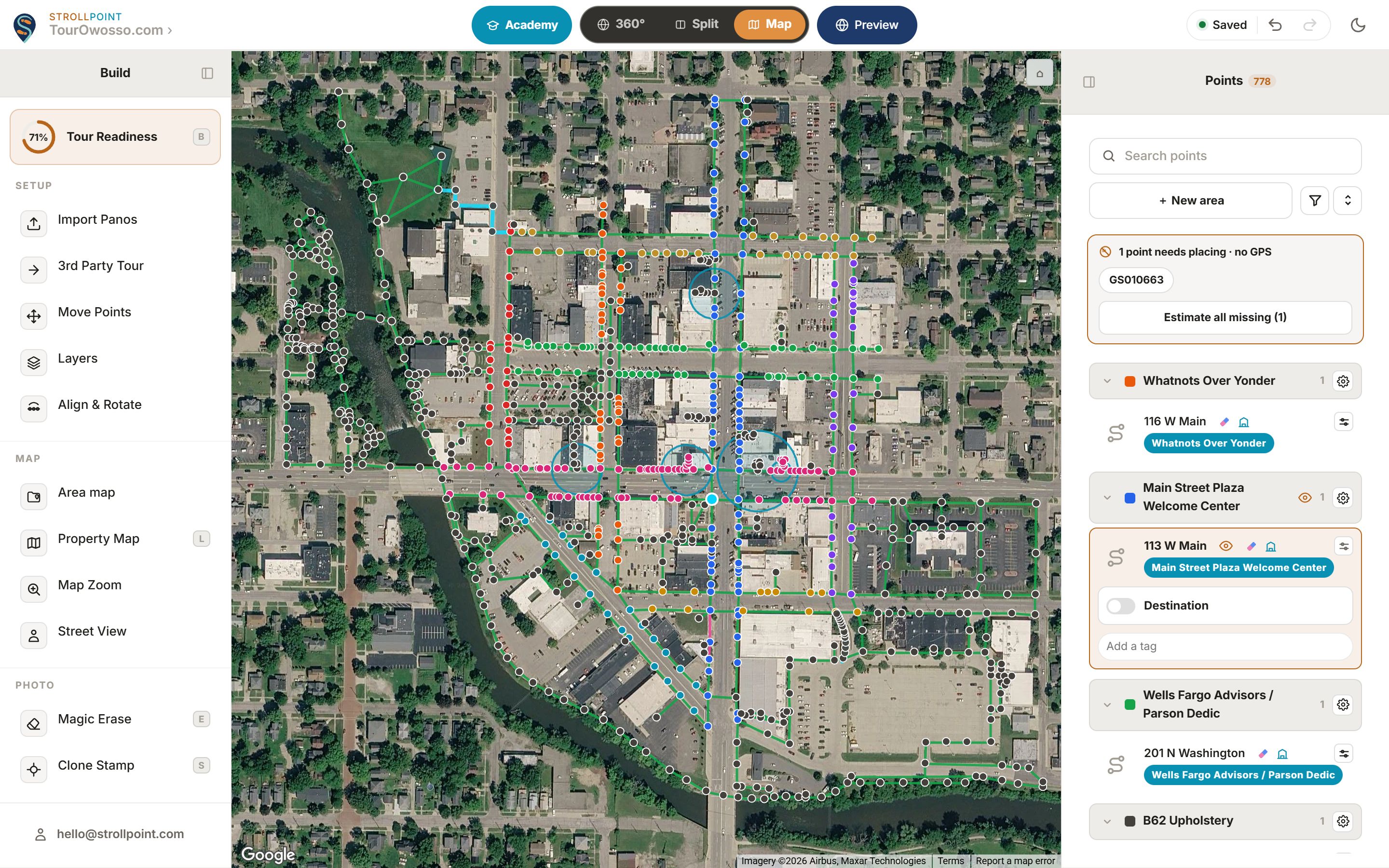
The editor
Visitors walk only where you drew.
- Points and properties Everything about a single stop on the tour.
- Accessible routing Mark a barrier once, and every accessible route routes around it.
- The map, the logo and the property map What the editor still sets for the tour as a whole.
The tools
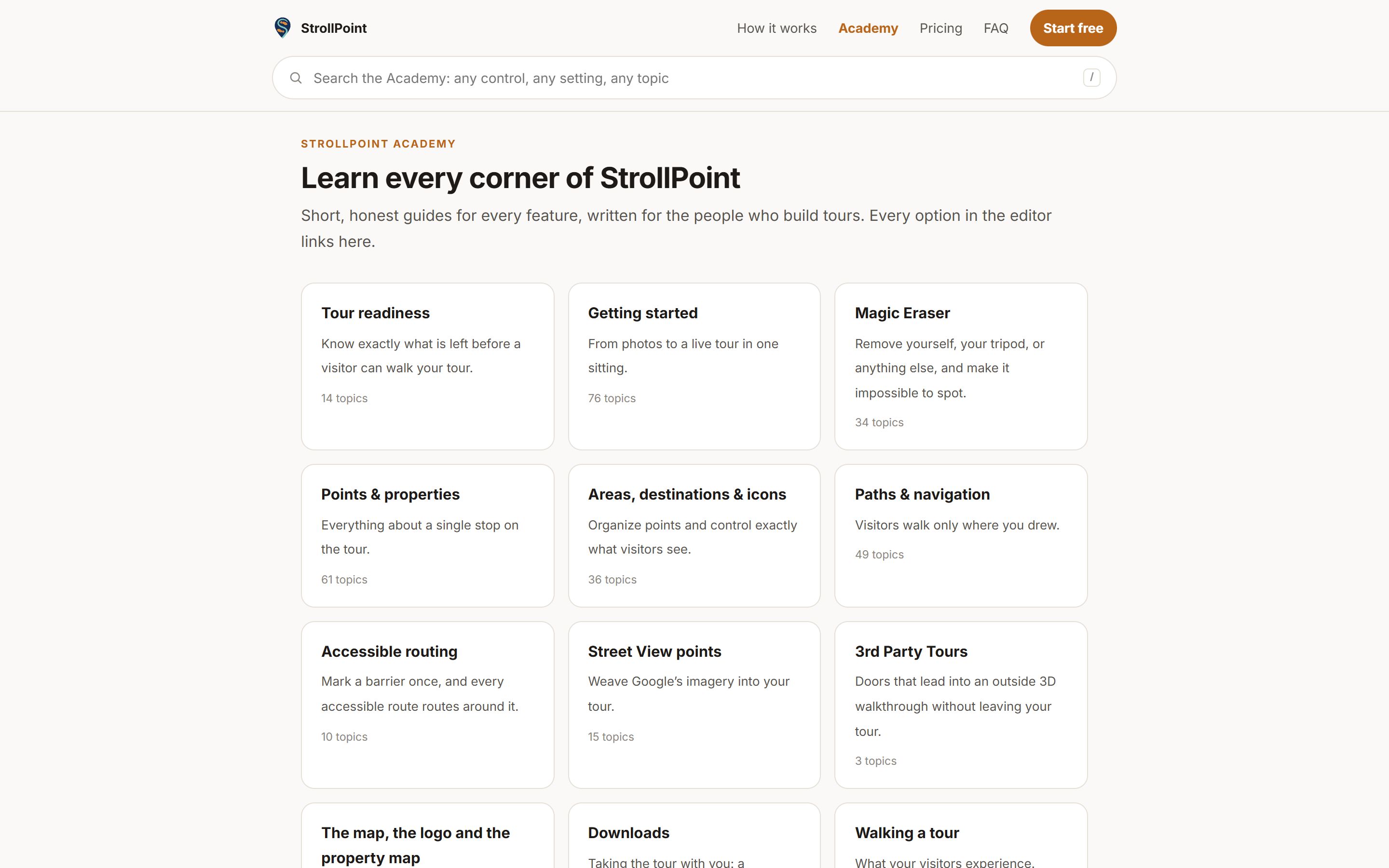
The Academy
Short, honest guides for every feature, written for the people who build tours. Every option in the editor links here.
- Getting started From photos to a live tour in one sitting.
- Walking a tour What your visitors experience.
- Cameras and GPS Which 360 cameras place themselves on the map, and what to do when yours does not.