 StrollPoint™
Destination experience platform
Make campus wayfinding the easiest part of every visit.
Give students, patients and visitors a digital guide on their own devices that takes them directly to every door and accessible entrance on your campus. Your staff keeps every building’s hours and events current from the Front Desk.
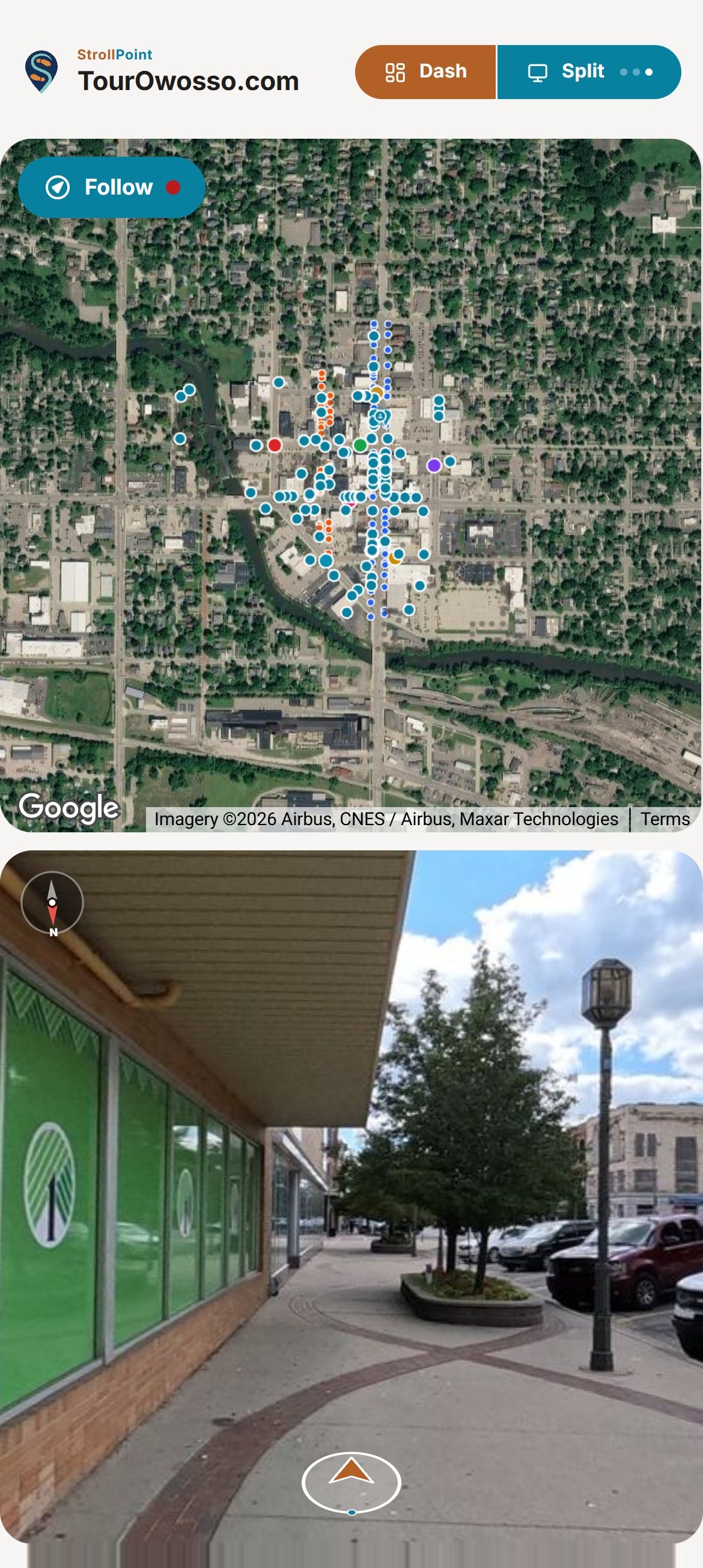
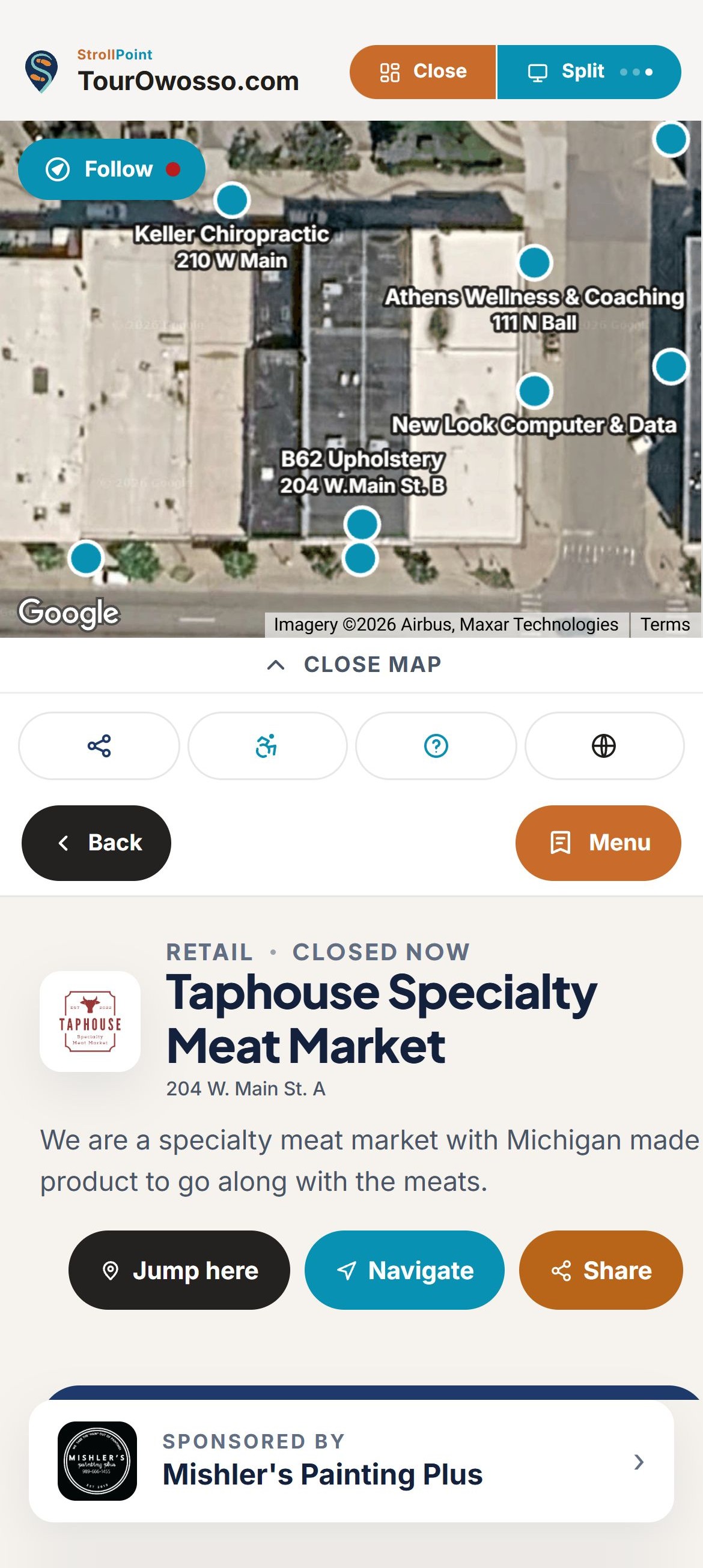
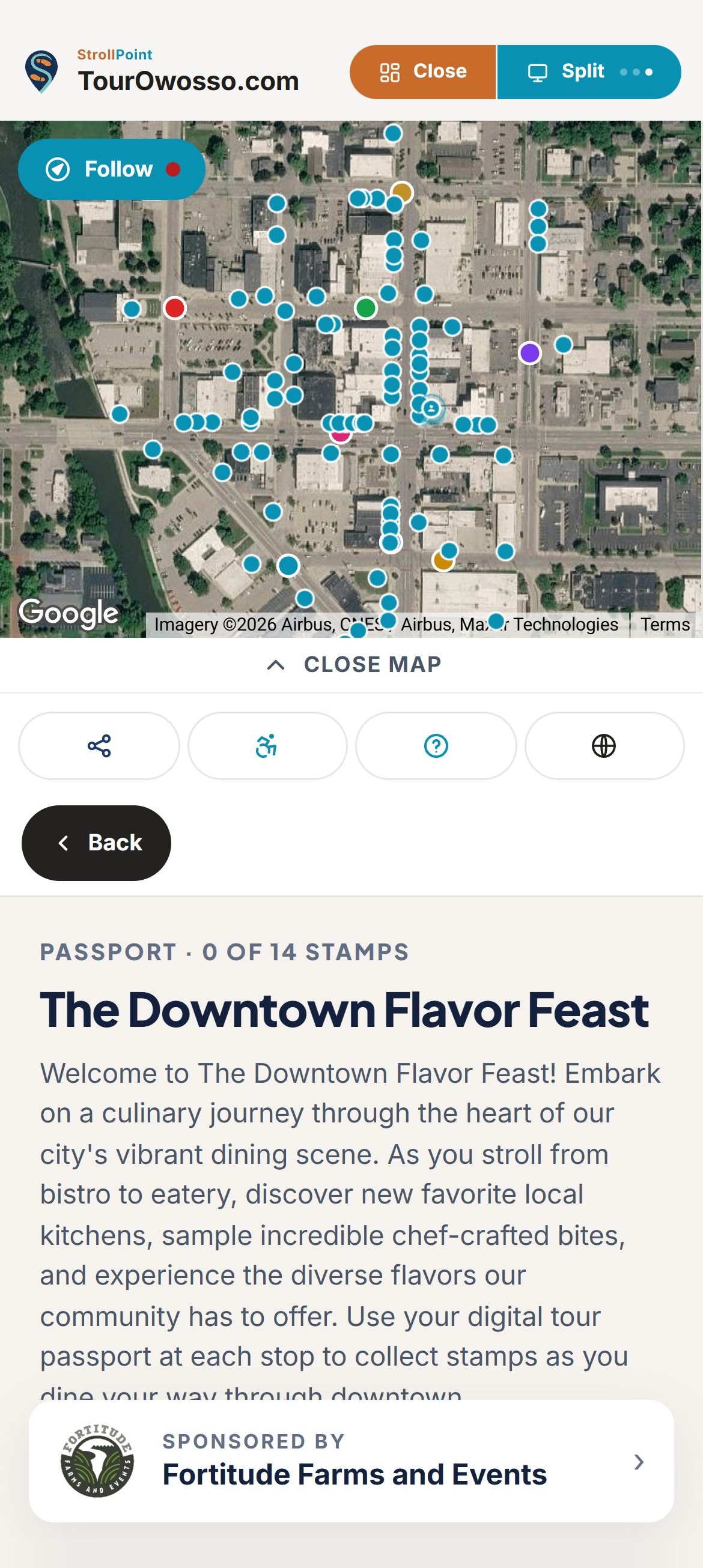
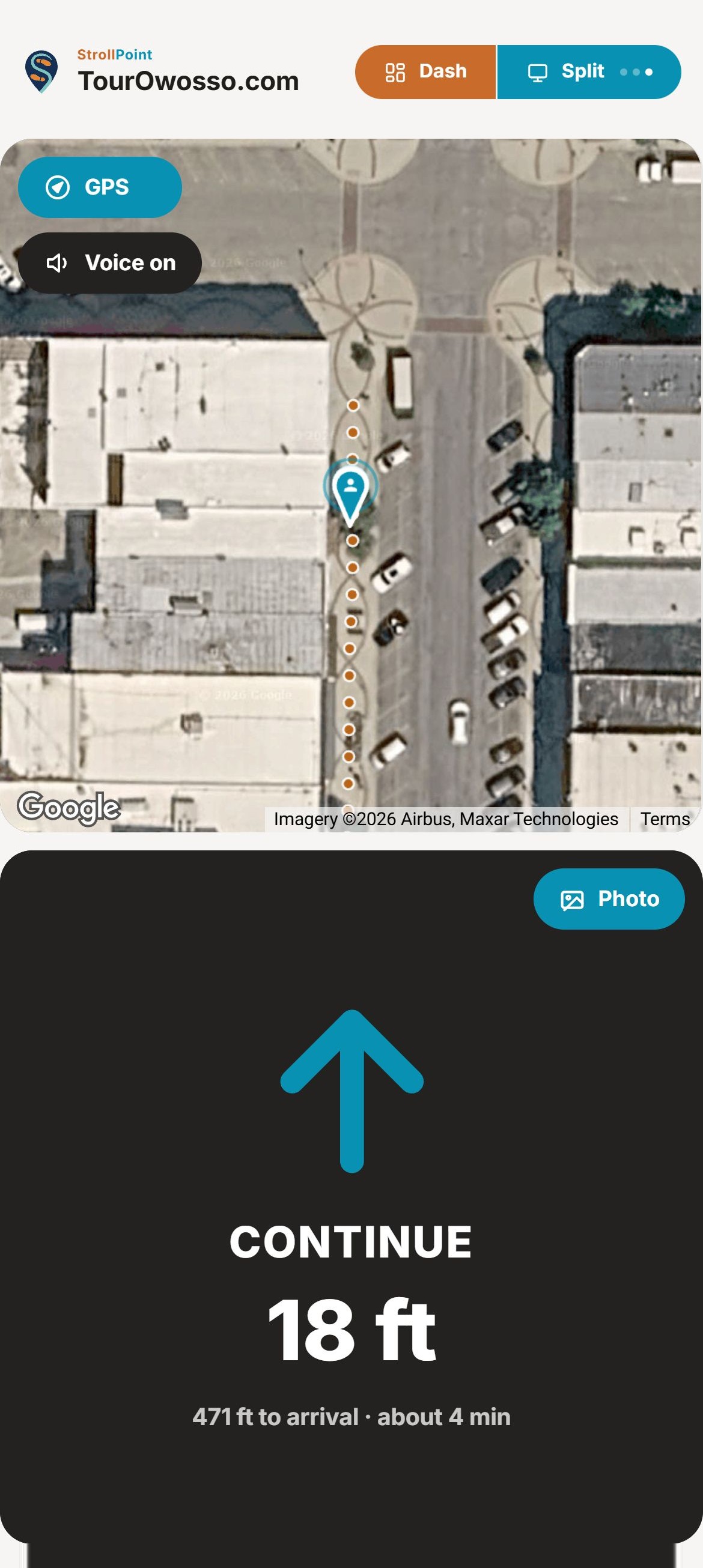
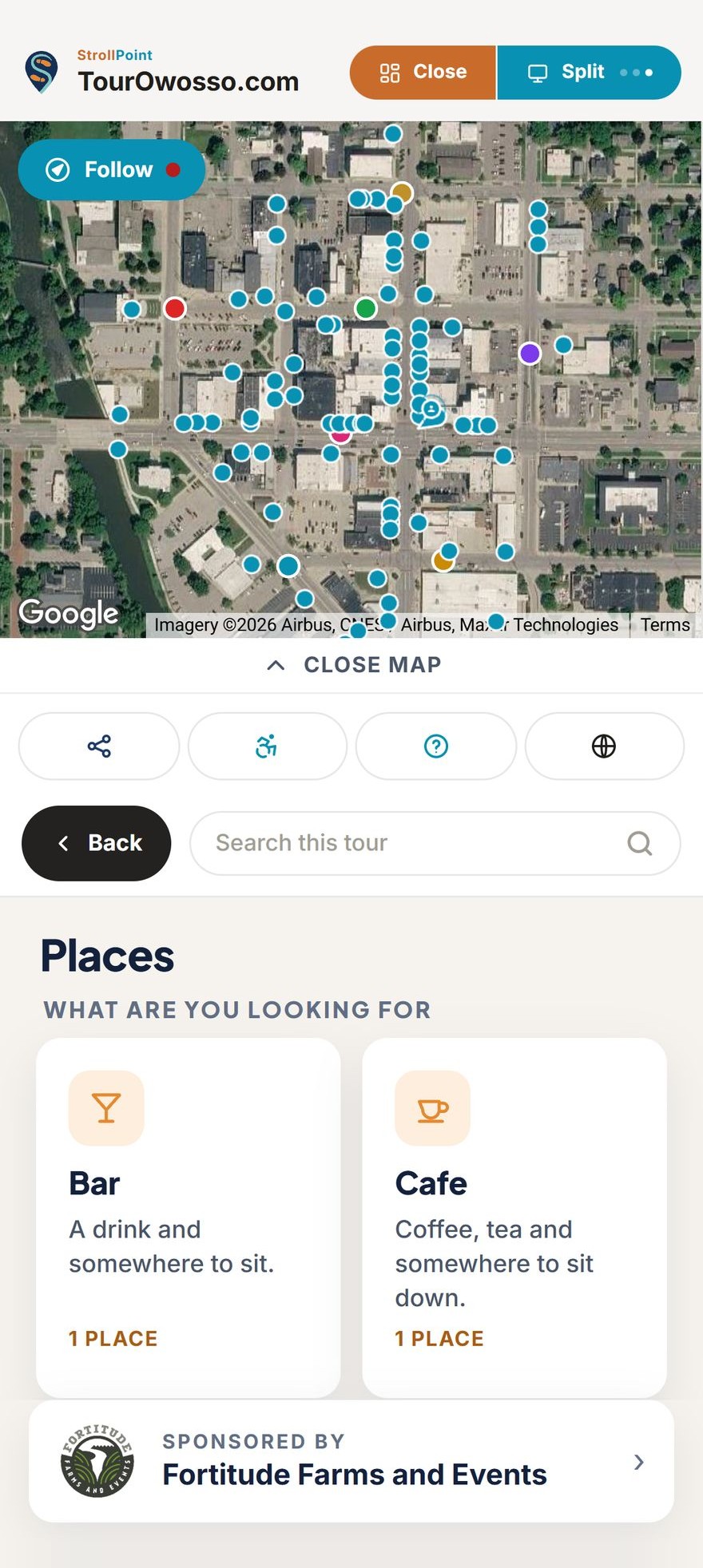
Every building, every floor
Put every building and every floor of your campus in one tour.
A first-day student or a patient looking for imaging picks the building first, and the tour opens on that building's own floors and places. Your whole campus stays in one tour with one link, so the address in the welcome letter is the same one posted by every entrance.
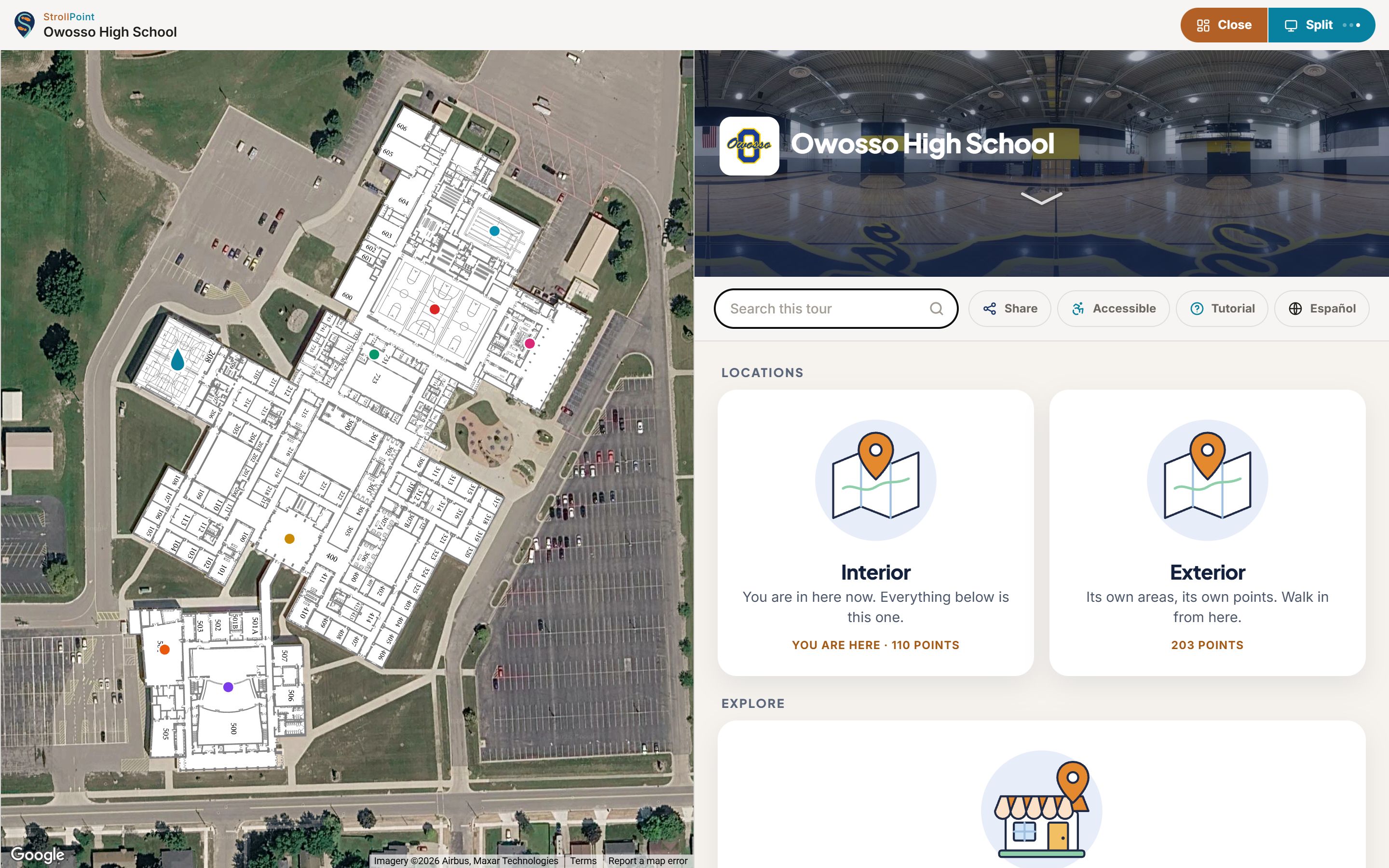
- A card for every building on campus The tour's home screen shows one card per building. A visitor taps the library or the outpatient center and gets that building's own places, floors and floor plans, while the grounds outside keep a card of their own.
- Floors that switch on their own When a visitor climbs the stairwell or walks through a connecting door, the map changes to that floor's plan on its own. A strip of floor buttons shows which level the visitor is on, and one tap shows any other floor.
- Your floor plans, lined up Upload the floor plans your facilities team already has, even a phone photo of the one on the wall. Turn and size each plan until its outer walls sit on the roofline, and every 360 photo lands in the right room.
Campus in 360°
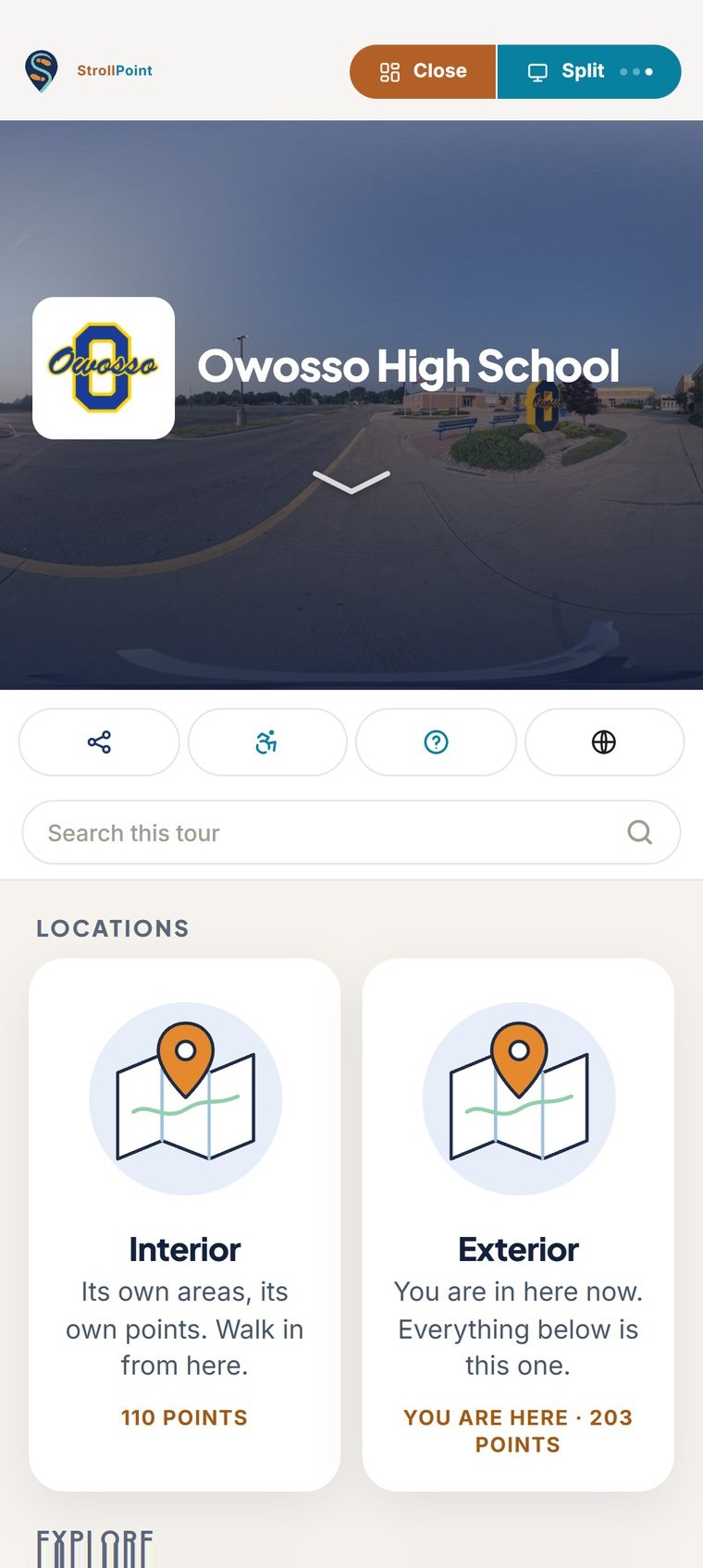
Show visitors the right entrance before they arrive.
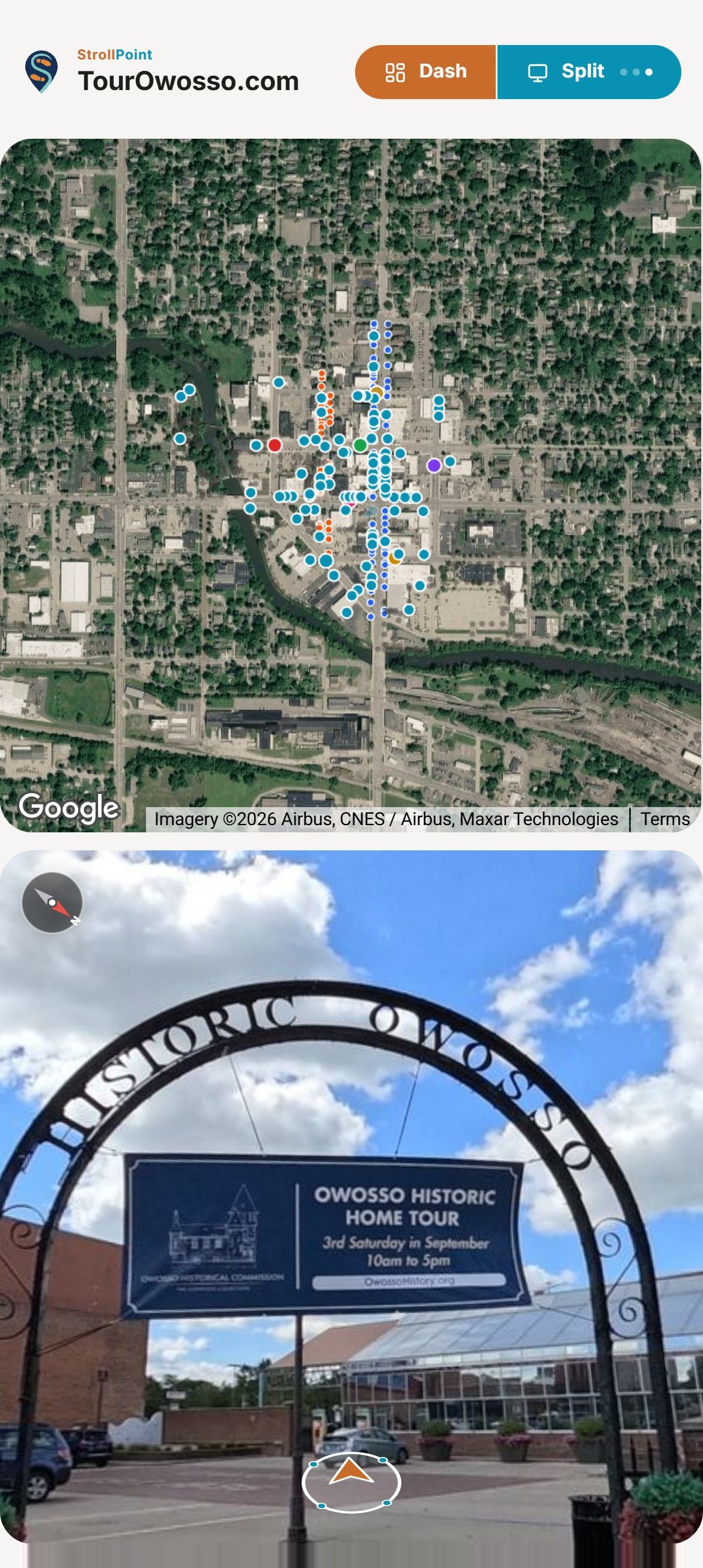
On a flat campus map every building is the same gray box, which is hard on a student or a parent who has never been there. StrollPoint puts that visitor on the actual walkway in sharp 360° photos, so the brick, the signs and the right set of doors look exactly the way they will in person.
Used by visitorsThe map follows every step.
Step-free routes
Guide visitors in wheelchairs to the accessible entrance.
A visitor in a wheelchair or a parent pushing a stroller turns on step-free routing once, and every route after that goes around the stairs, curbs and heavy doors you have marked. The entrance at the end of the walk is one that visitor can actually use.
- Mark each barrier once Mark the stairs between two buildings once, from either end, and every step-free route avoids that stretch both ways.
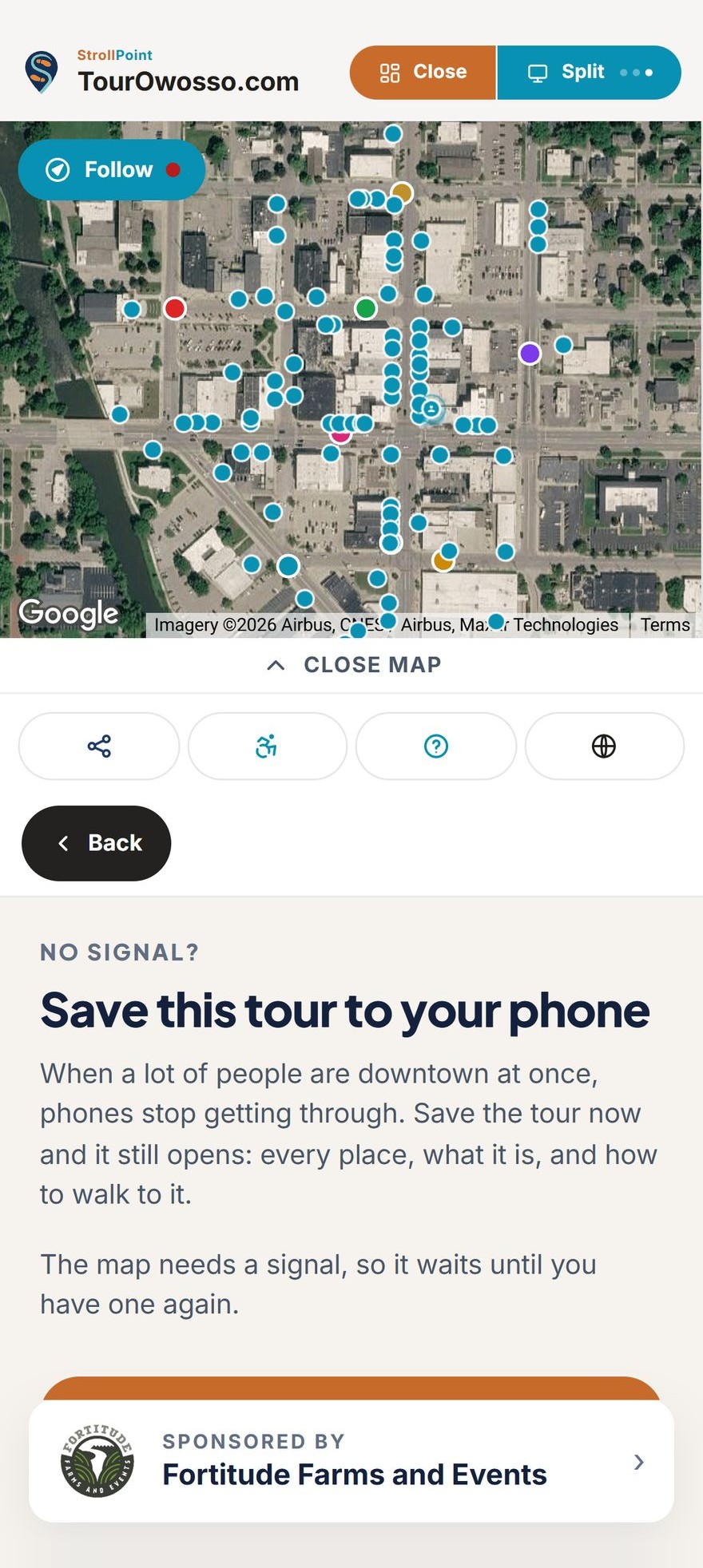
- One switch for the visitor Visitors press Accessible in the tour to turn step-free routing on, and the choice holds for the rest of the visit. The option appears as soon as you mark your first barrier.
- An honest answer at every door Routes go the long way around any stair, curb or narrow gate you marked. If a building has no step-free way in, the tour tells the visitor before the walk begins, which beats finding out at the bottom of a staircase.
Accessible mode, in the tour’s own bar, exactly as a visitor finds it.
Lobby, phone, paper
Put the same campus guide on lobby screens, phones and paper.
A patient at the main entrance, a parent holding the orientation packet and a student on the way to class all read the same tour. Update a building once, and the lobby screen, every phone and the next printed map show the change.
- A screen in the lobby Leave the tour running on a screen by the main entrance. It never asks a passer-by for a location, returns to its opening view two minutes after the last person walks away, and carries a code that sends the tour to a visitor's own phone.
- Numbered maps for print Print a one-page map for orientation day or an open house, with each stop numbered in walking order and a QR code that opens the tour standing right at that stop. Send the print shop a link to the map instead of a PDF that goes stale.
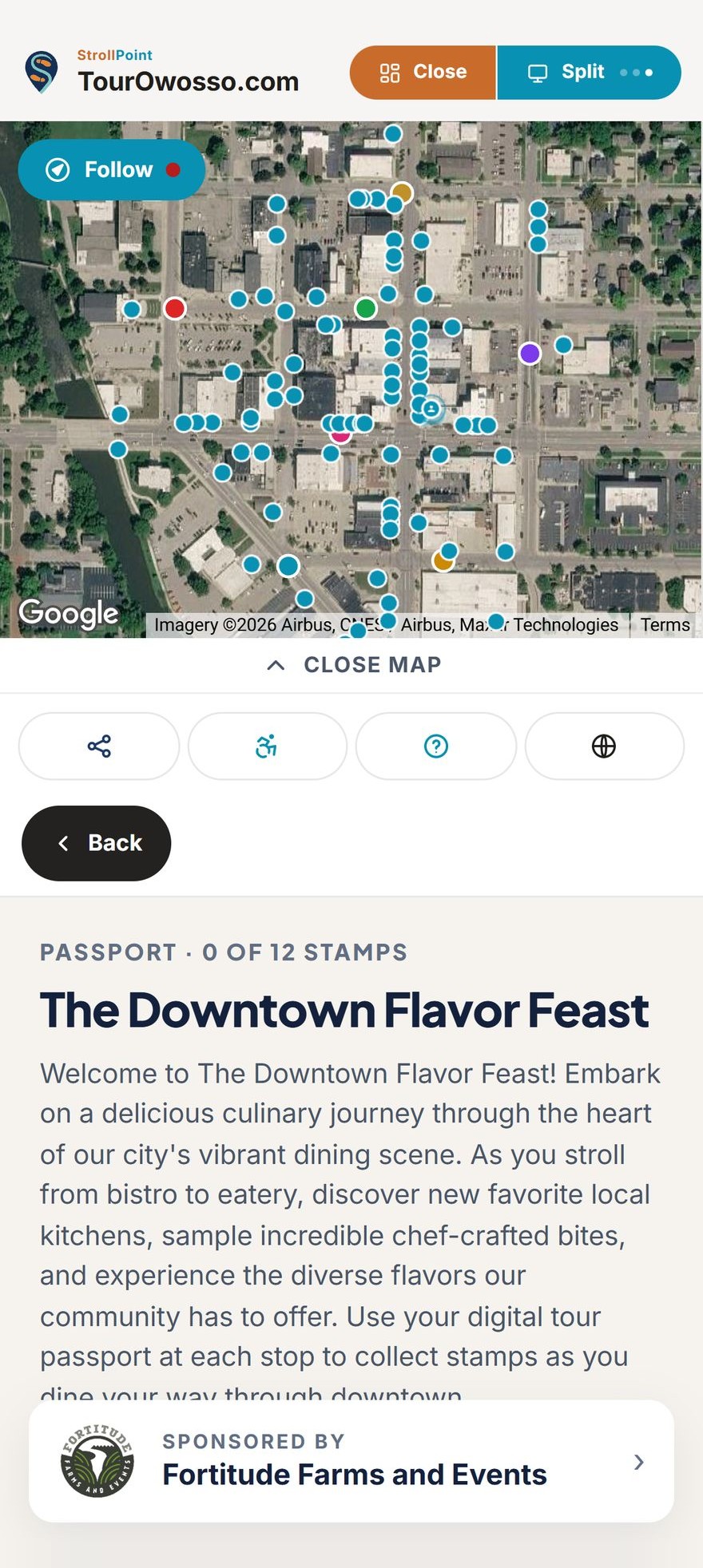
- Ready for move-in day On move-in day or graduation, when the whole campus is on the same network at once, offer visitors a saved copy of the tour. It keeps every place and how to walk to it on their phone, so the tour still opens with no signal and picks up the newest version once the signal returns.
Keeping it current
Update a building's hours the day they change.
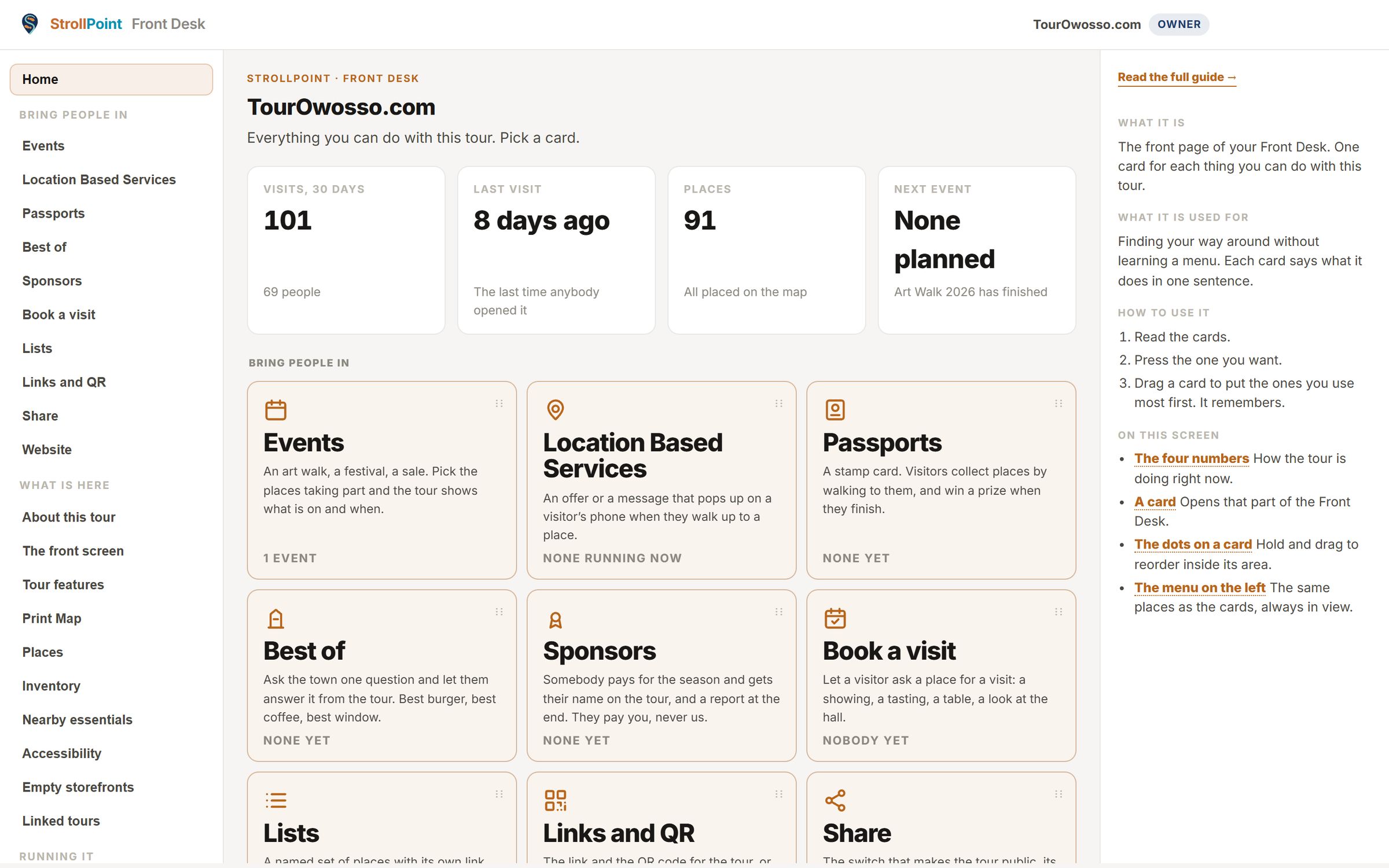
The Front Desk is where your team keeps the tour true to the campus. When the library closes early for finals or a clinic moves to a new suite, you change it there once, and the next visitor who opens the tour sees the new answer.
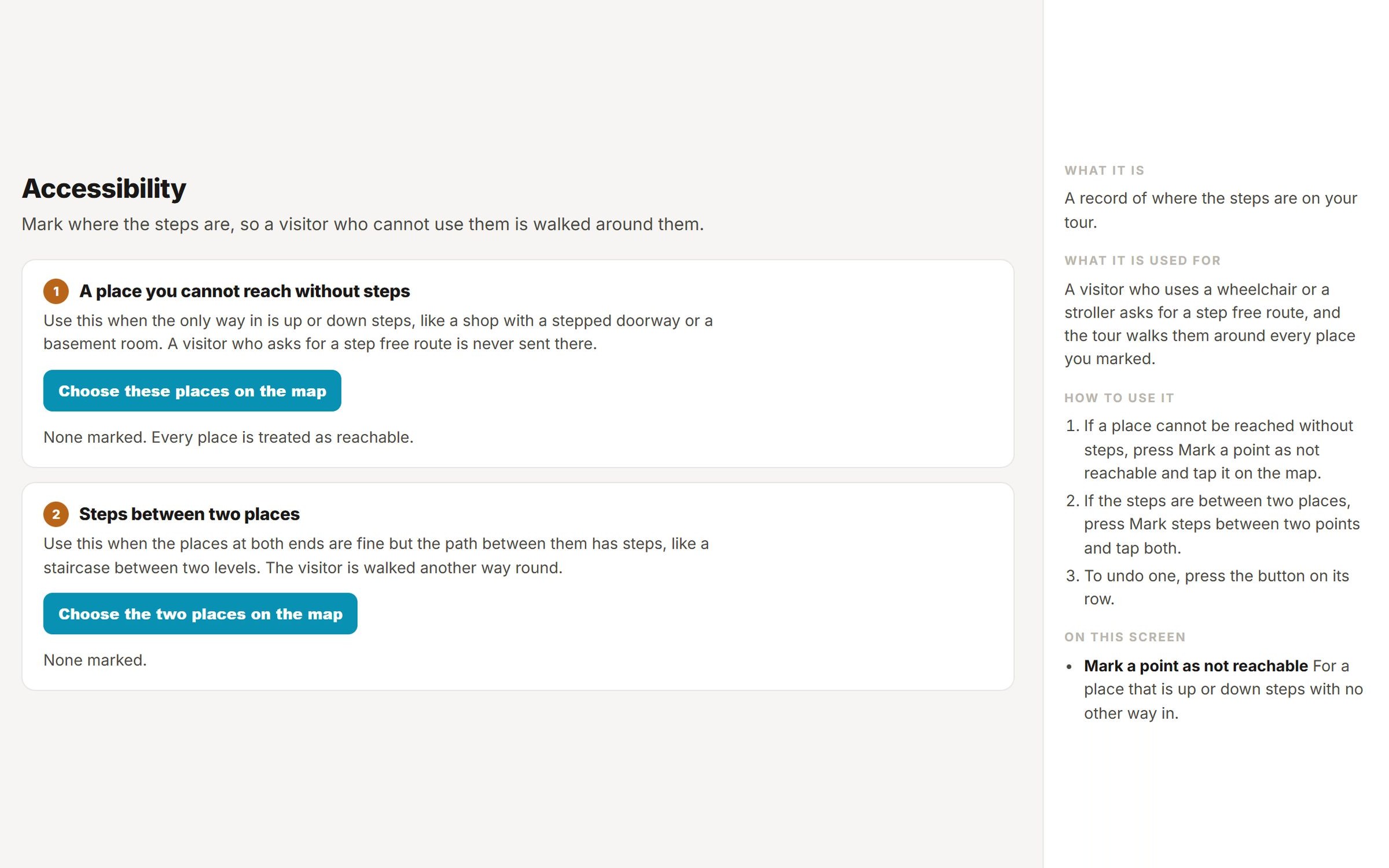
- One steady menu Every screen is listed on the left and stays in view as you work.
- Cards in plain words Each card says in one sentence what it does, so a new staff member finds the right screen on day one.
- Help at your side Each screen explains itself down the right side, and most link to a full guide.
Accessibility for schools and hospitals
Made for every visitor.
Tested against WCAG 2.1 Level AA.
A student who uses a screen reader deserves to find the library as easily as anyone else on campus. StrollPoint tests every release against WCAG 2.1 Level AA, and every destination on the map also sits in a labeled list that a screen reader or a keyboard can reach.
- Named for screen readers Every control tells a screen reader its role and a plain name, and both are checked on each release.
- Keyboard checks on every screen Each screen is tested for up to 120 keyboard stops: the tab order makes sense, the focus ring stays visible, and no visitor gets stuck in a corner of the page.
- Readable on a small screen Pages reflow at 320 pixels wide with no sideways scrolling, keep a clean heading order, and never clip text when a visitor widens the spacing.
- Checked before each release Accessibility checks run before every update goes live. Anything that fails is fixed before release, and when a brand color misses the contrast ratio, the design changes rather than the measurement.
- The property website
- The Front Desk (All nine screens)
- The digital brochure
- The policy pages
Security for your IT team
Your IT team can verify every security claim on one page.
School and hospital IT teams ask hard questions, and StrollPoint publishes the answers before anyone asks. The security page names every company that touches your data and says plainly where StrollPoint stands on formal certifications.
 CloudflareThe pages and the API
 SupabaseThe database and photos
 StripeThe payment
 ResendThe email
- Four named subprocessors Four companies run the pages, the database and photos, the payments and the email, and your data is encrypted in transit and at rest. No other vendor processes or stores your campus data.
- Visitors stay anonymous Students, parents and patients walk the tour without an account. StrollPoint records no IP addresses, sets no persistent tracking cookies, counts each visit with a temporary ID, and purges individual records after 400 days.
- Drafts never go public Unpublished tours and internal staff notes never reach the public. The public API serves only published tours, and only the features your team has switched on in the Front Desk.
- Secure checkout for your plan Your subscription is paid on the payment processor's own secure checkout page. Card numbers never touch a StrollPoint server or database.
- The owner decides who gets in Passwords go straight to the sign-in service and are never stored on StrollPoint servers. Only the tour's owner can invite or remove staff, and each person sees only what their role allows.
- Your campus data is yours Export every place, event, offer and sponsor through the public API or a spreadsheet whenever you like, with nothing to request from us first.
Experience StrollPoint
Step inside a live destination.
Scan the code to experience the fully interactive digital guide for downtown Owosso directly on your mobile device.
See live demos